How to Clip GTA 6 Streams for TikTok, Shorts and Reels
Grand Theft Auto VI comes out on 19 November 2026, and Twitch, YouTube and Kick will be full of people playing it live for weeks. The clips that travel are the first reactions, the chaos and the stories, cut into vertical videos. goodgoodclips.com makes those for you: paste a Twitch, YouTube or Kick link to a GTA 6 stream and it finds the moments, frames them for 9:16 and adds captions.
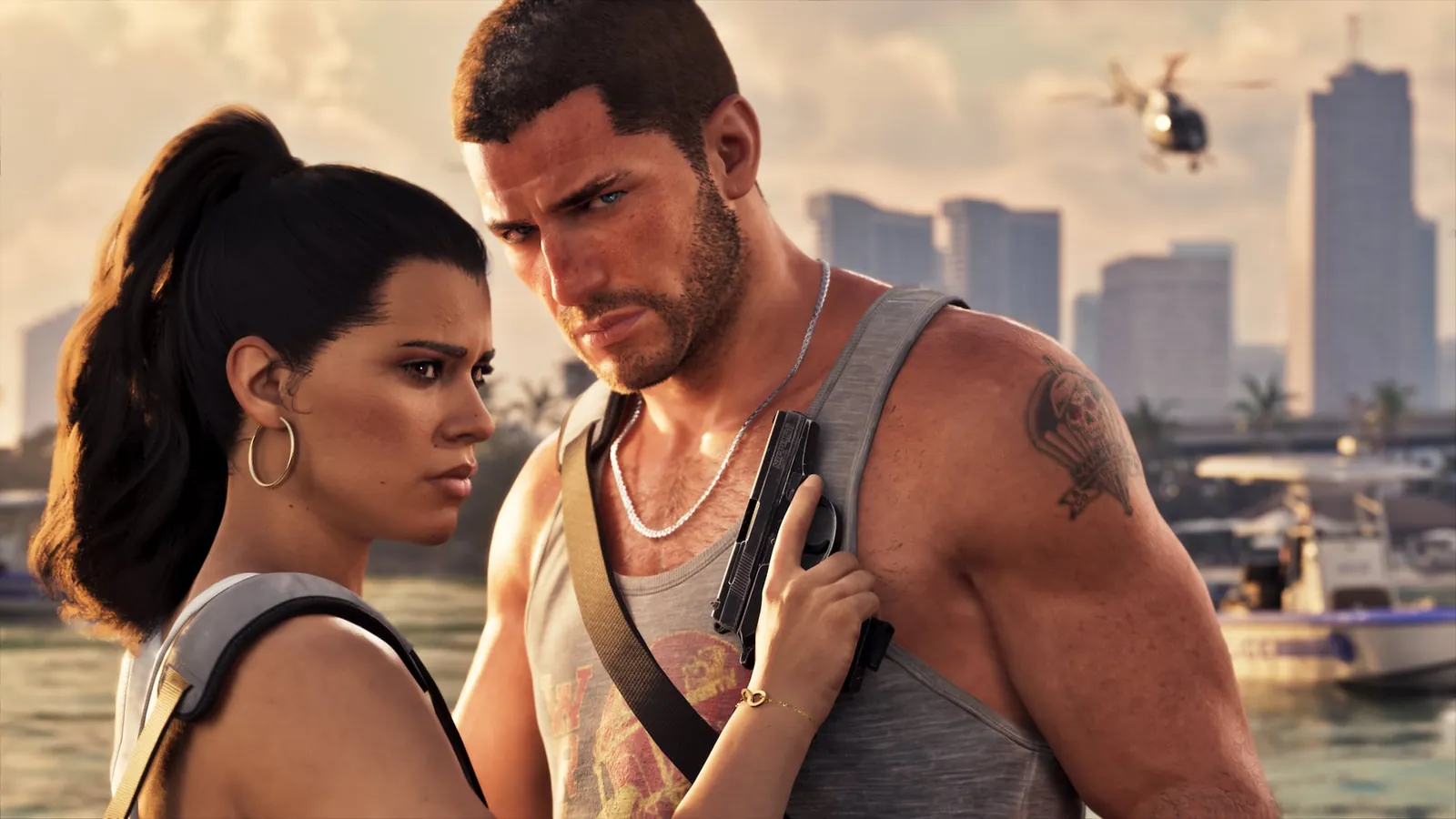
GTA 6 at launch: where the streams come from
Rockstar's pre-load announcement says GTA VI was built for the current generation of consoles, targeting 30 frames per second, with extra visual features on PlayStation 5 Pro. It's also playable through Xbox Cloud Gaming on Xbox Series X|S and Xbox One, and supports Remote Play on PlayStation and Xbox. Rockstar's launch announcements only cover consoles, so at launch every GTA 6 stream comes from a PS5 or an Xbox.
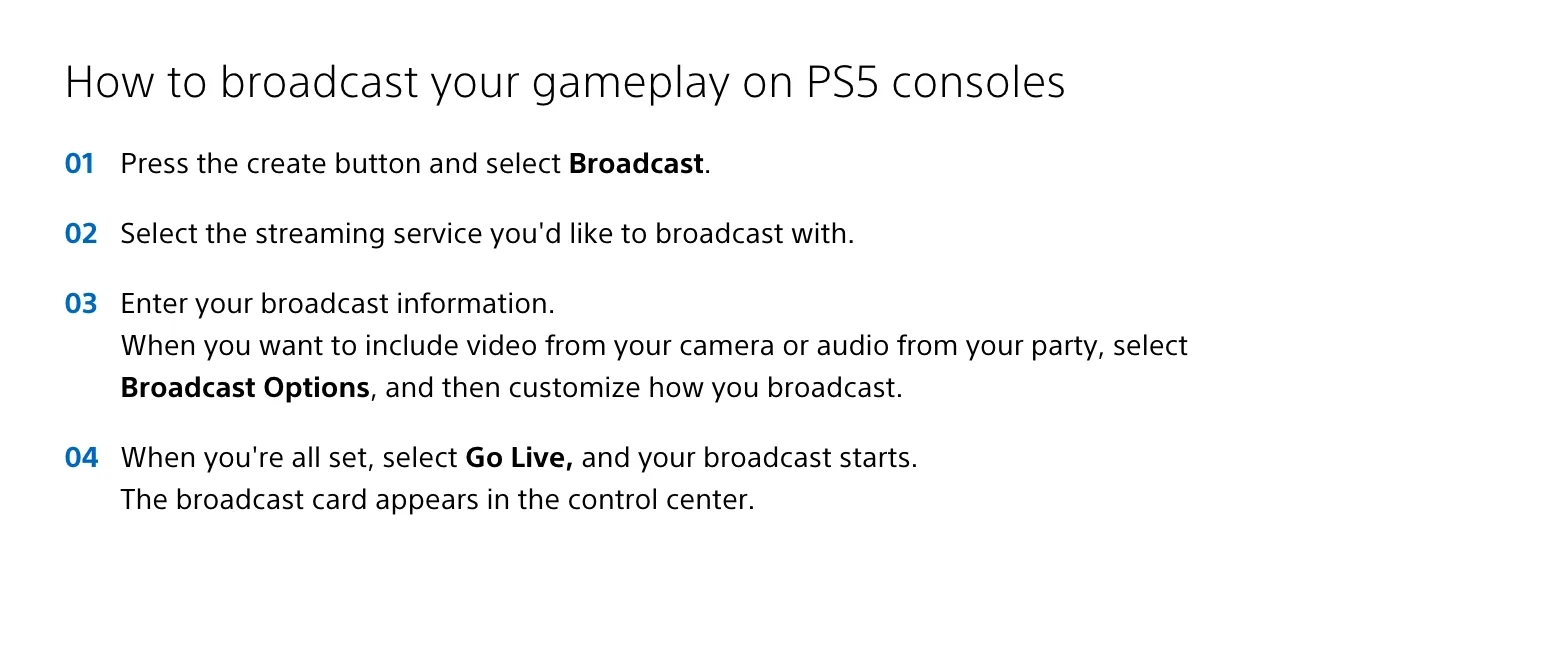
On a PS5, streamers go live by pressing the Create button and choosing Broadcast, with a linked Twitch or YouTube account, per PlayStation Support. On Xbox you install your streaming provider's app from the Store, per Xbox Support. Streamers who want overlays, or a platform the console doesn't support, can run the console through a capture card into streaming software on a PC.
Step 1: Get the stream into goodgoodclips
- Twitch: paste the link to the VOD, highlight or clip (twitch.tv/videos/…). Subscriber-only VODs need the file: download it from Video Producer and upload it.
- YouTube: paste the link to the live stream's replay. If YouTube blocks the download, upload the original file from YouTube Studio instead.
- Kick: paste the video link from the channel's Videos page (kick.com/channel/videos/…) or a clip link.
- Anything else: upload the MP4, MOV or WebM file, or paste a Google Drive, Dropbox or OneDrive link.

Before it downloads anything, goodgoodclips asks you to confirm that you own the video or have permission to use it. Take that seriously: only clip someone else's GTA 6 stream if they've said yes, for example through a clipping campaign. The longest single video is 2 hours on Creator, 3 on Pro and 4 on Agency, so split longer streams into parts.
Twitch deletes past broadcasts after 7 days by default (14 for Affiliates, 60 for Partners, Prime and Turbo users), per Twitch Help, so clip launch-week streams before they disappear. There's more in how to clip on Twitch and how to clip on Kick.
Step 2: Pick the GTA 6 moments people share
- First reactions. The first drive through Vice City, the first look at a character or a place.
- Chaos with a cause. A chase, a heist that goes wrong, a ridiculous crash. Start a few seconds before, so viewers see what set it off.
- Commentary. The streamer explaining a plan, arguing with chat or reacting to something absurd in the open world.
- Moments that work without context. Someone who has never seen the stream should get it within the first three seconds.
goodgoodclips picks moments from what's said on stream and how it's said, including how loud each moment was, so it catches the scream and the story behind it. Every clip gets a score and a one-line reason. To steer it, describe what you're after in Find clips about, such as “police chases” or “first time in Vice City”. Streams where the streamer talks through what's happening make the best clips; silent gameplay doesn't.
Step 3: Frame gameplay for a vertical screen
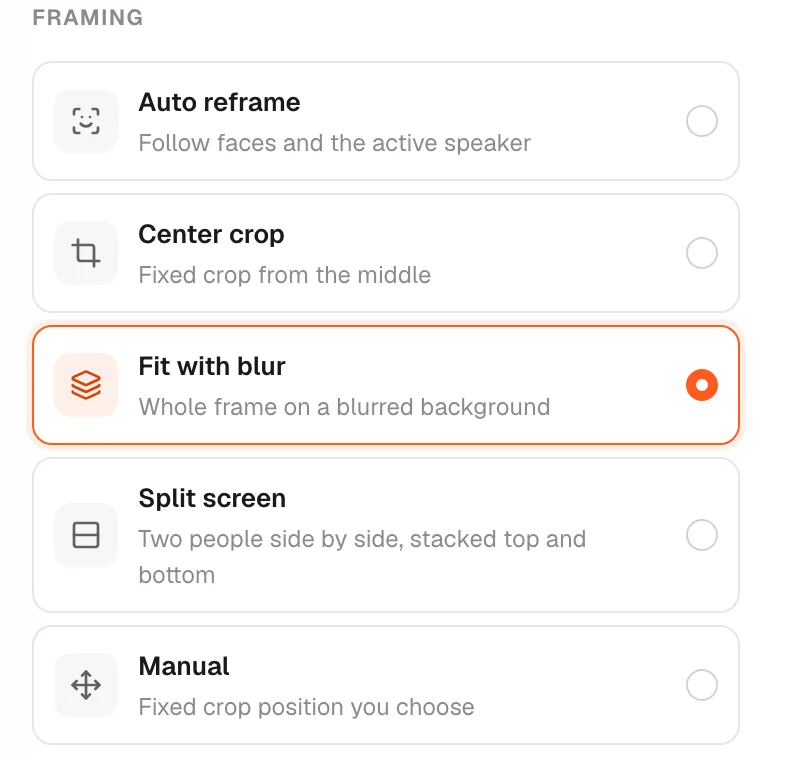
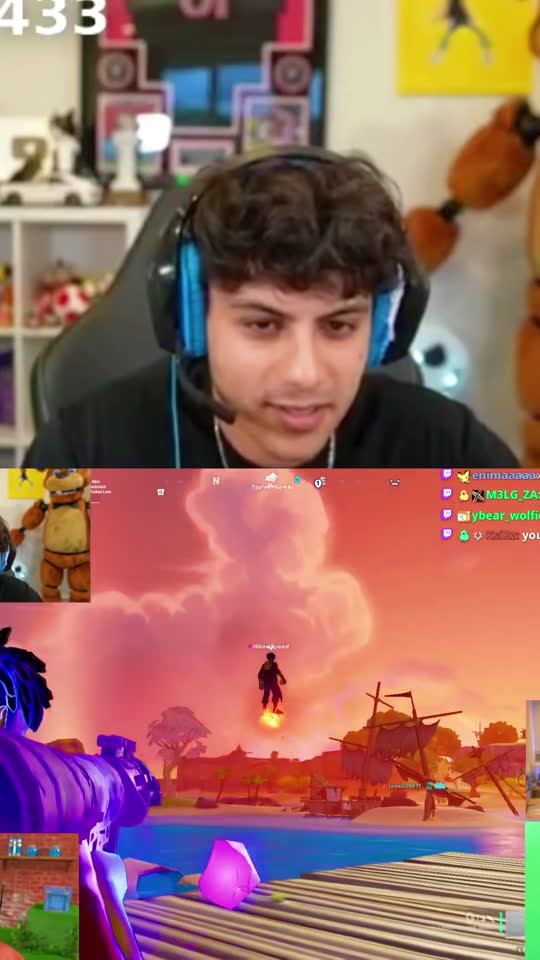
A 16:9 stream doesn't fit a 9:16 phone, and GTA has two things worth showing: the streamer and the game.
- Auto reframe follows the streamer's face cam. Use it for reactions and commentary.
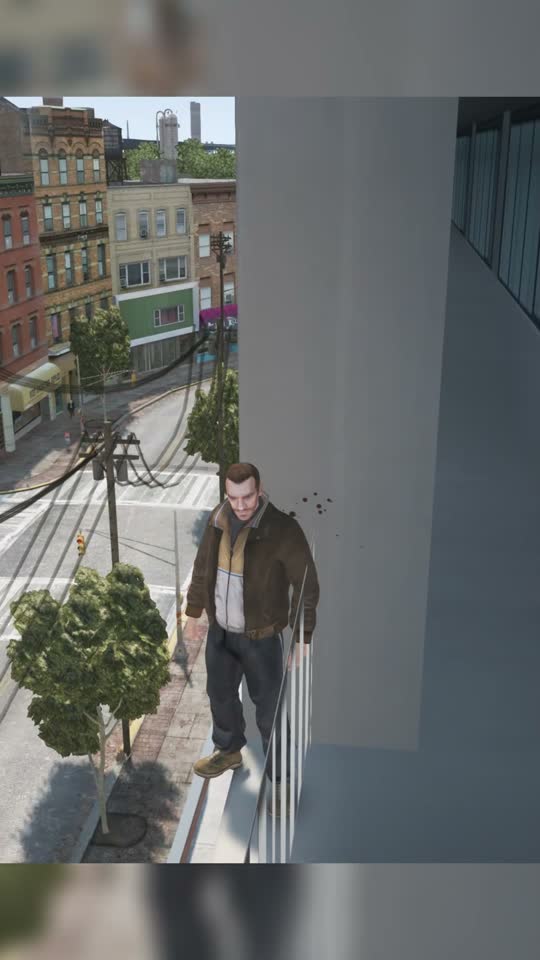
- Fit with blur keeps the whole game frame on a blurred background. Use it for driving, chases and anything where the action is the point.
- Manual is a fixed crop where you put it, for example on a face cam in one corner.
Step 4: Watch out for music and spoilers
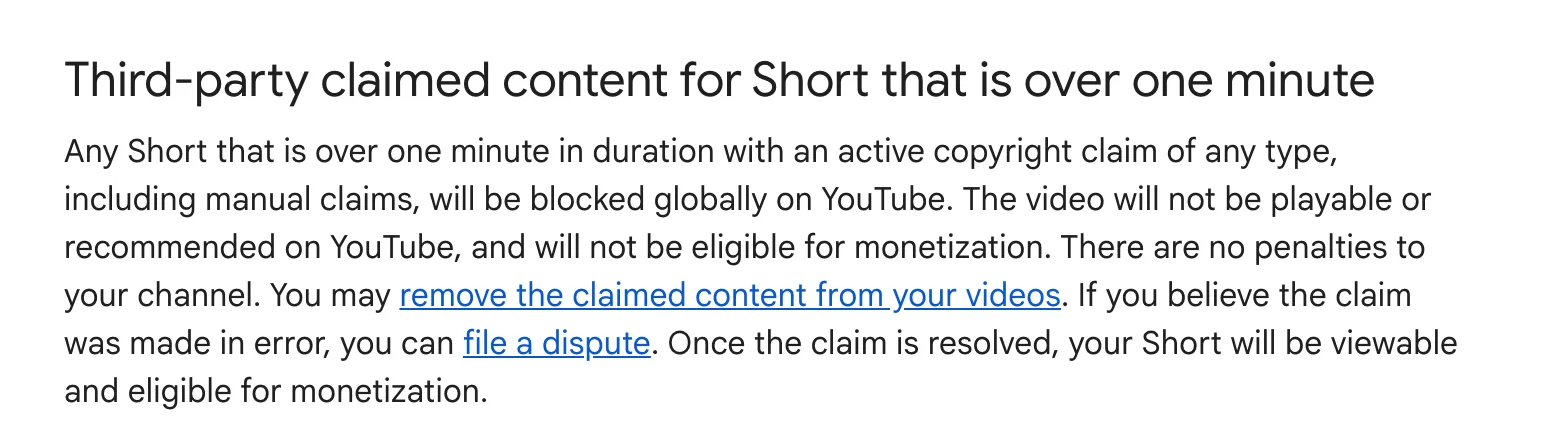
GTA's radio stations play licensed songs, and a clip with a recognisable track can be claimed or muted. On YouTube, a Short longer than a minute with any active copyright claim is blocked worldwide, per YouTube Help. Cut around the radio, keep clips with music under a minute, or ask the streamer to turn the radio down.
Skip the story's twists and the ending: clips of the open world travel better anyway. Rockstar also has a support page, Policy on posting copyrighted Rockstar Games material, that's worth reading before you monetize GTA clips.
Step 5: Caption and post
goodgoodclips adds animated captions with the key word on each line highlighted, writes a title, description and hashtags for TikTok, Reels and Shorts, and exports 1080p MP4s with no watermark. Post the highest-scoring clips first, and see the best time to post YouTube Shorts for timing.
Can you make money clipping GTA 6 streams?
Yes, the same way as any clipping work: streamers, agencies and brands run clipping campaigns that pay per view. Clips of someone else's stream usually don't count as original content for TikTok's Creator Rewards Program or YouTube Shorts monetization, so campaigns are where most clippers get paid. See how to make money clipping. If it's your own stream, your clips are original and can earn on every platform.

More for GTA streams: GTA RP clips and the best clipping software for gaming.