Best Clipping Software for Gaming in 2026 (PC, PS5, Xbox)
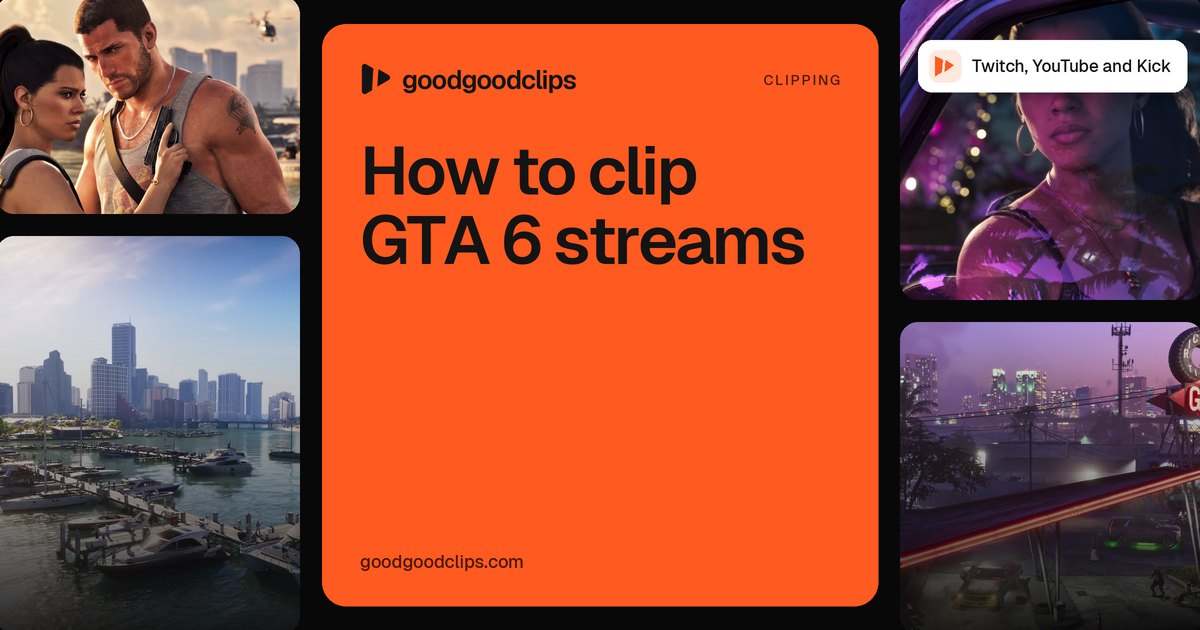
Clipping software for gaming comes in two kinds: tools that save the last few seconds or minutes while you play, and tools that find the best moments in a whole stream afterwards. Most streamers want one of each. With GTA 6 launching on PS5 and Xbox on 19 November 2026, console capture matters more than ever, and for streams goodgoodclips.com turns a Twitch, YouTube or Kick VOD into vertical clips automatically.

Gaming clipping software at a glance
| Tool | Works on | What it clips | Cost |
|---|---|---|---|
| goodgoodclips | Any stream or long video (web) | Finds the best moments in a VOD and makes captioned 9:16 clips | From $29 a month, or $14.50 a month billed yearly |
| PS5 Create button | PlayStation 5 | The last 15 seconds to 1 hour, or a new recording of up to 1 hour | Built in |
| Xbox Capture & share | Xbox consoles | The last 30 seconds (up to 2 minutes), or a recording of up to 10 minutes (1 hour on external storage) | Built in |
| NVIDIA ShadowPlay | PCs with NVIDIA graphics | Instant Replay of the last 30 seconds, or manual recording | Part of the NVIDIA app |
| Steam Game Recording | Steam on PC and Steam Deck | Background recording within your time and storage limits | Built into Steam |
| OBS Studio Replay Buffer | Windows, Mac and Linux | The buffer you've set, saved with a hotkey | Open source |
| Medal | PC and mobile | The last 15 seconds, 60 seconds, 10 minutes or the whole session | Free, with optional paid features |
PS5: the Create button
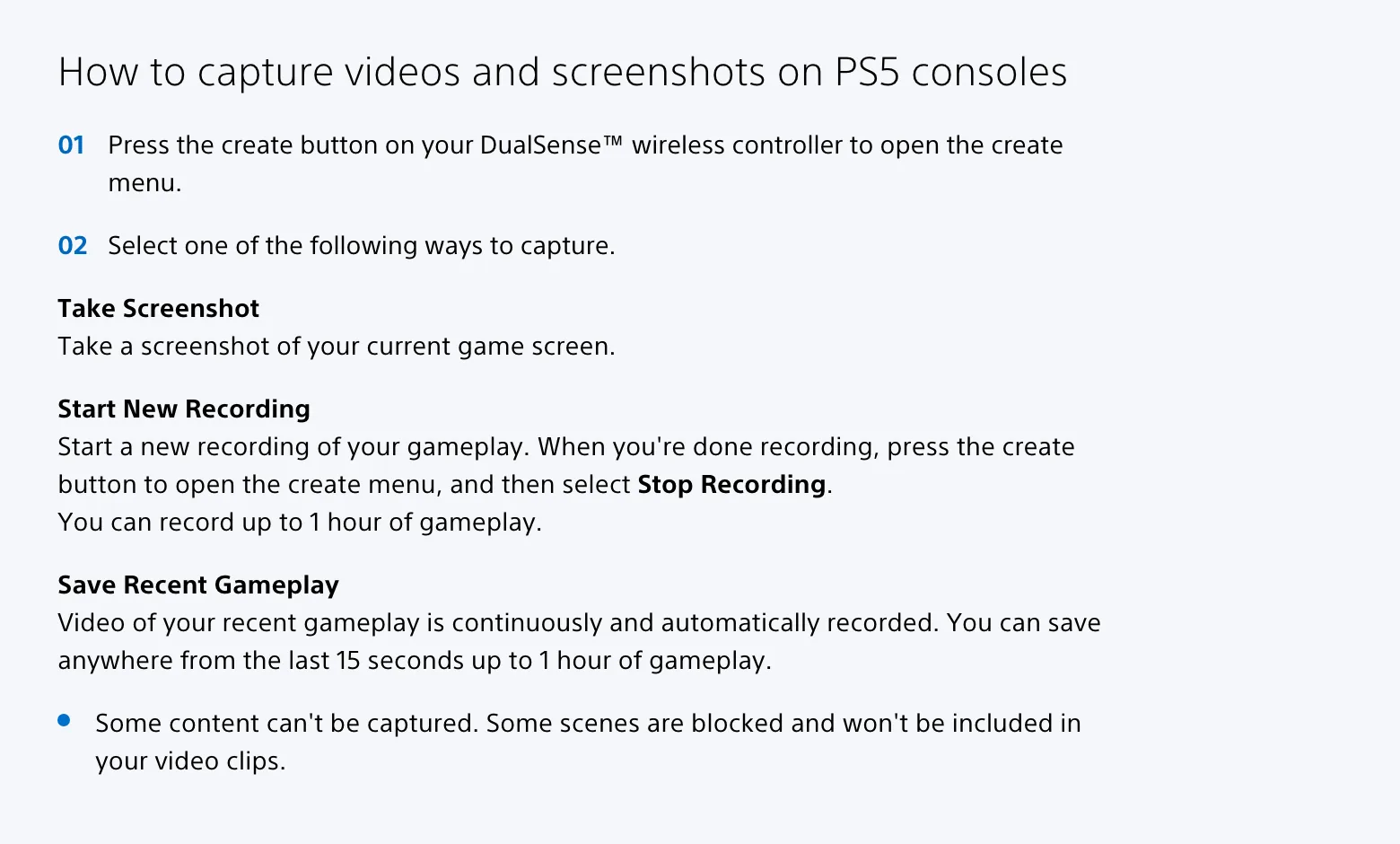
Press Create on the DualSense controller. Save Recent Gameplay keeps anything from the last 15 seconds up to the last hour; Start New Recording records up to an hour from now, per PlayStation Support. Some games block certain scenes from captures, so check a clip before you plan around it.
Xbox: Capture & share
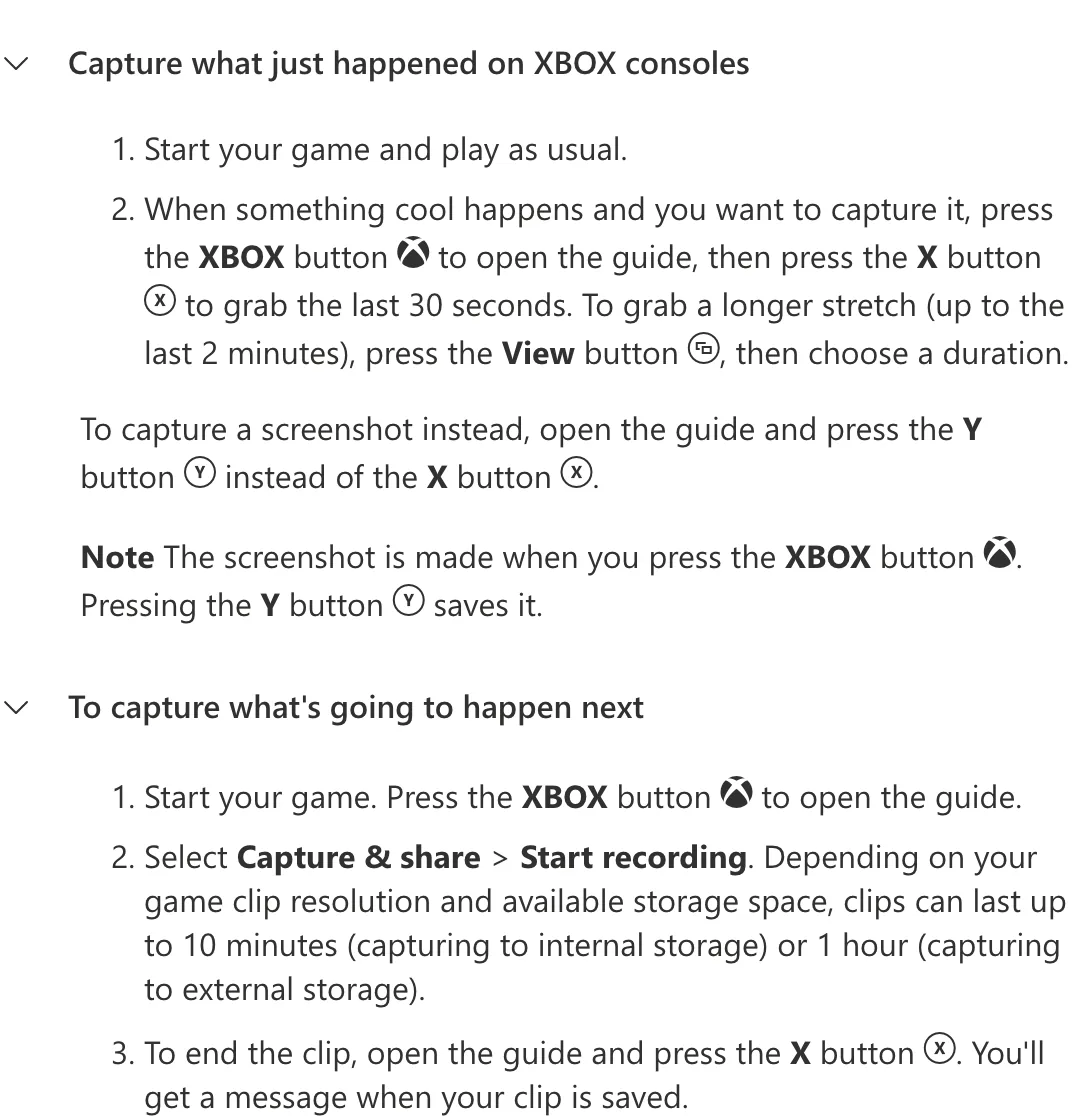
Press the Xbox button, then X to grab the last 30 seconds, or View to choose a longer stretch of up to the last 2 minutes. To record what happens next, choose Capture & share > Start recording: up to 10 minutes on internal storage or an hour on external storage, per Xbox Support. Captures upload to the Xbox network automatically unless you turn that off.
NVIDIA ShadowPlay
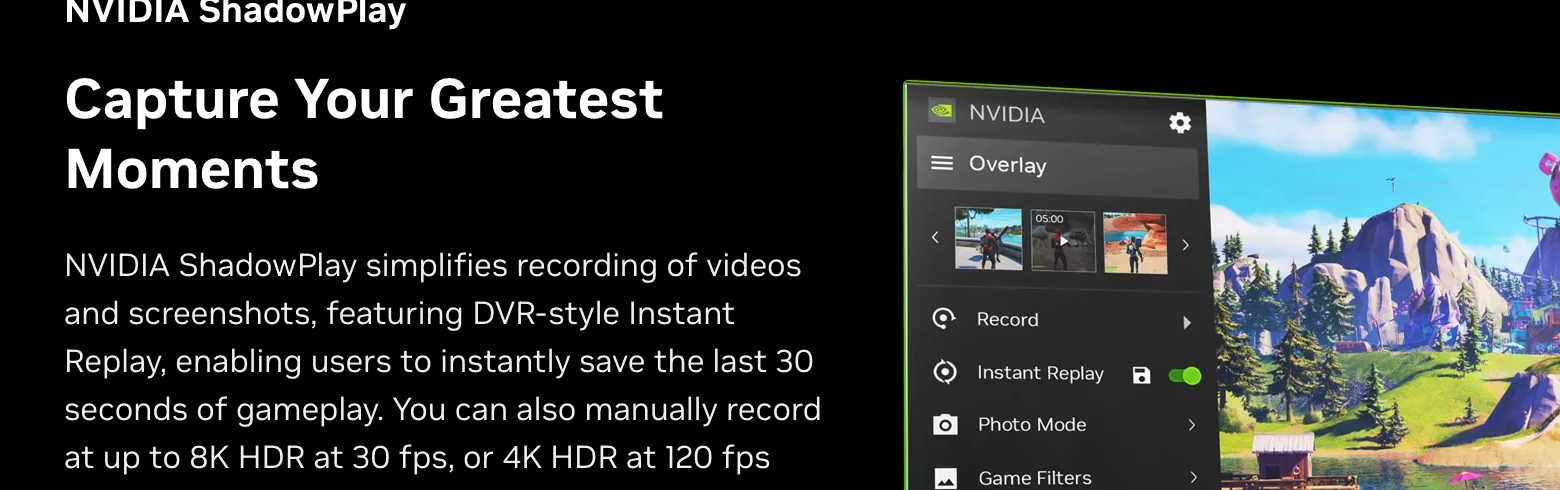
On a PC with an NVIDIA graphics card, ShadowPlay in the NVIDIA app has a DVR-style Instant Replay that saves the last 30 seconds, plus manual recording at up to 8K HDR at 30 fps or 4K HDR at 120 fps, per NVIDIA.
Steam Game Recording
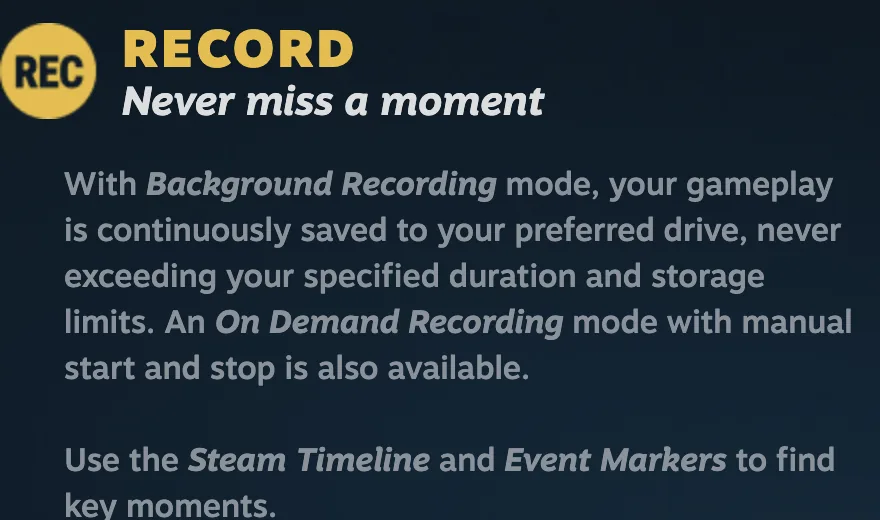
Steam's built-in recorder has a Background Recording mode that keeps saving your gameplay without going over the duration and storage limits you set, plus an on-demand mode. A timeline with event markers helps you find the moment, and you can clip and share from the overlay, per Steam.
OBS Studio Replay Buffer
If you already stream with OBS, turn on the Replay Buffer in the output settings and set a hotkey to save it under Hotkeys, per the OBS knowledge base. It's the simplest way to save a moment while you're live, including console gameplay coming in through a capture card.
Medal
Medal runs in the background on PC and lets you replay the last 15 seconds, 60 seconds, 10 minutes or the whole session, with game, mic and Discord audio on separate tracks. It's free with optional paid features, detects events automatically in games such as Fortnite, Valorant and League of Legends, and can import clips from console captures.
For streams: AI that finds the clips
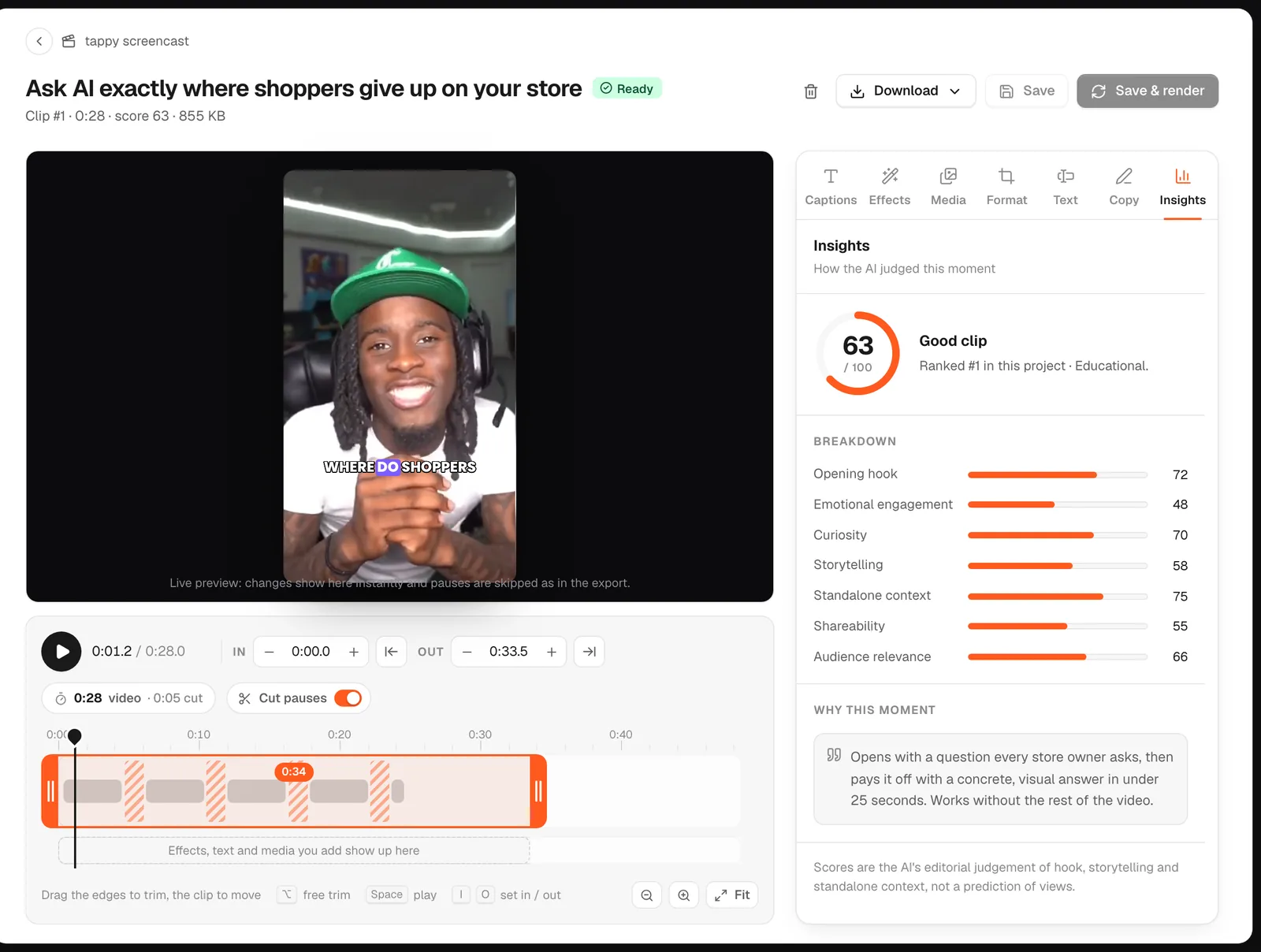
Every tool above saves a moment you noticed. A four-hour stream has dozens you didn't. goodgoodclips.com works from the whole VOD: paste a Twitch, YouTube or Kick link (or upload the file) and it transcribes everything, picks the moments that stand on their own, and scores each one with a reason. It then reframes them to 9:16 (following your face cam, or keeping the whole game frame on a blurred background), adds animated captions and writes titles and hashtags. You get up to 30 clips per video on Creator, 40 on Pro and 50 on Agency, in 1080p with no watermark.
Which should you use?
- Playing GTA 6 on console: the built-in PS5 or Xbox capture. It's already there.
- Playing on PC: ShadowPlay (NVIDIA cards), Steam Game Recording or Medal.
- Streaming: OBS's Replay Buffer for moments while you're live, and goodgoodclips for the VOD afterwards.
- Clipping other streamers (with permission): goodgoodclips, from their VOD link.
For general clipping tools beyond gaming, see the best clipping software.