GTA RP Clips: How to Clip GTA Roleplay Streams for TikTok
GTA RP clips are short scenes from Grand Theft Auto roleplay streams, where players stay in character for hours on community servers. Roleplay is mostly talking: deals, arguments, police stops, jokes. That makes it ideal for AI clipping, because goodgoodclips.com reads everything said in a long RP stream and finds the scenes that work on their own.
What is GTA RP?
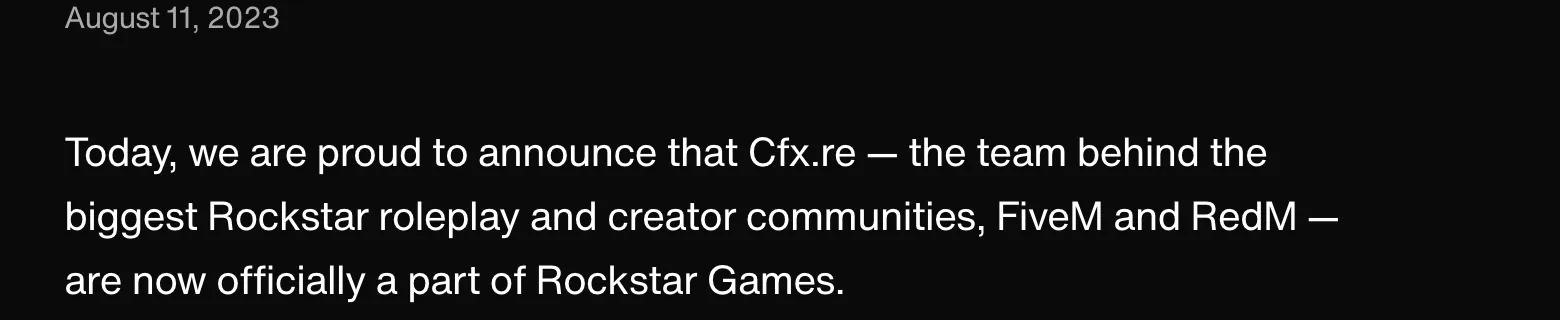
GTA RP happens on custom multiplayer servers for the PC version of Grand Theft Auto V, mostly through FiveM. Players make characters and improvise stories with each other, and streamers broadcast their character's day. In August 2023 Rockstar announced that Cfx.re, the team behind FiveM and RedM, had officially joined Rockstar Games.
What about GTA 6 RP?
GTA 6 launches on 19 November 2026 on PlayStation 5 and Xbox, and Rockstar's launch announcements don't mention a PC version. FiveM's roleplay servers run on the PC version of GTA V, so for now GTA RP stays on GTA V. GTA 6's own streams are a separate wave of clips: see how to clip GTA 6 streams.
What makes a good GTA RP clip
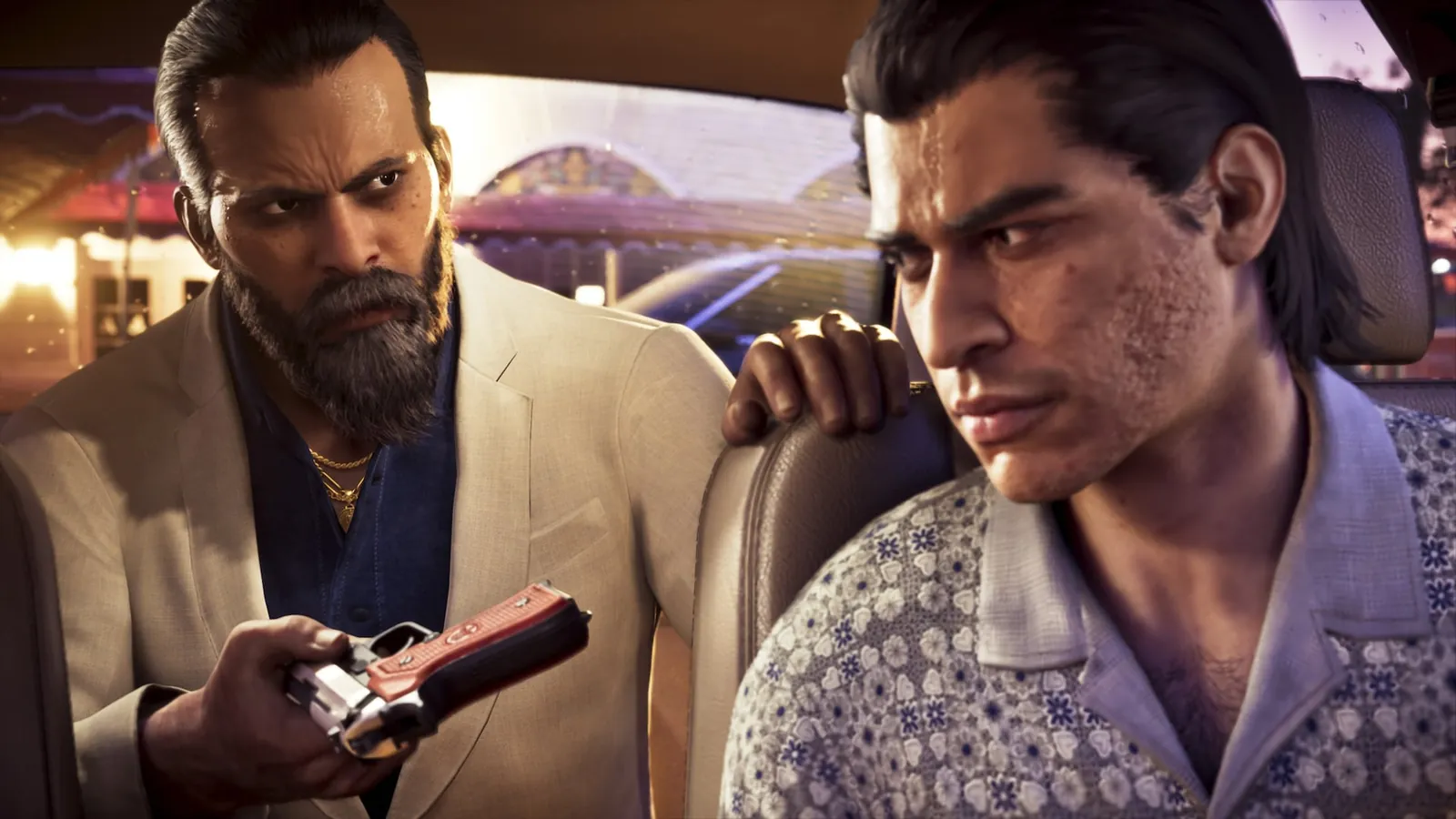
- A scene with a beginning and an end: a heist plan, a chase with banter, an interrogation, a deal that falls apart.
- The setup line. Start a few seconds before the joke or the reveal, so a new viewer understands it.
- Character names on screen. RP fans follow characters across streamers; put the names in the title or caption.
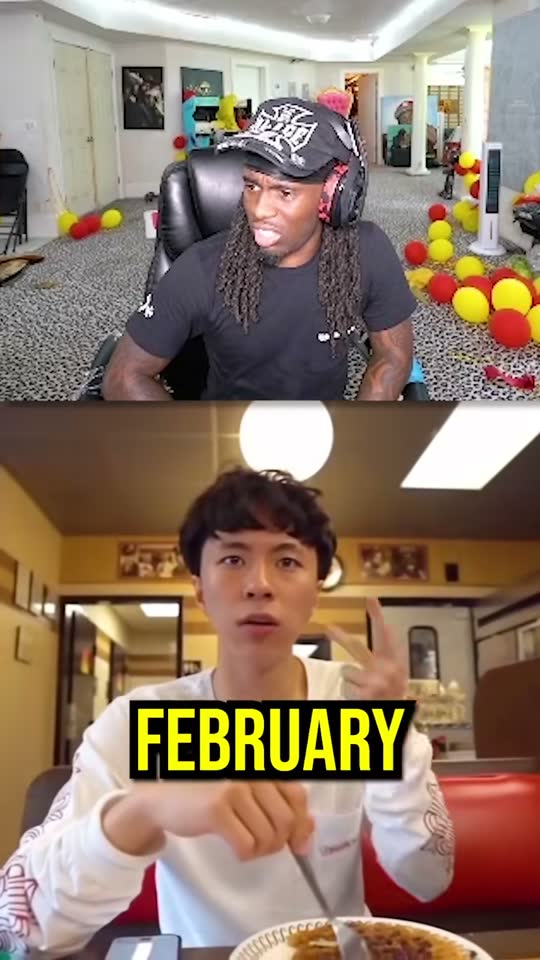
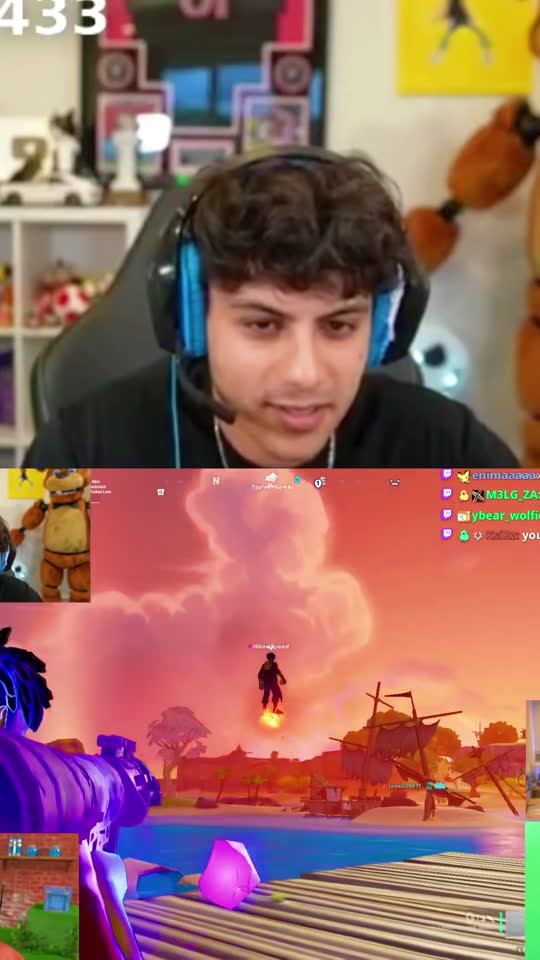
- The other side of the scene. The same moment from a second streamer's view often makes a second clip.
- Readable captions. RP dialogue overlaps and moves fast, so captions do a lot of the work on mute.
Where GTA RP clips live
Most RP clips start as Twitch or Kick clips made by viewers, then get reposted to TikTok, YouTube Shorts and Reddit's GTA RP clip communities. If you're the streamer, the best material is in your full VOD, not just the moments chat happened to clip.
How to clip a GTA RP stream
- Start from a stream you own or have permission to clip. Many RP streamers welcome clippers; ask, or join their clipping campaign.
- Paste the VOD link into [goodgoodclips.com](/). Twitch, Kick and YouTube links work; you can also upload the file.
- Say which storyline you want in Find clips about, such as “the bank heist” or “the court case”, or leave it empty to get the best moments overall.
- Pick the framing. Auto reframe follows the face cam for dialogue; Fit with blur keeps the whole scene for driving and shootouts.
- Check the captions and titles, add character names, and export each clip in 1080p.
Credit the streamer
RP clips spread because they send people back to the streamer. Name the streamer and the character, link the channel, and don't post scenes the streamer has asked to keep off social media. If you clip for pay, read what a clipping campaign is and how to become a clipper.