How to Clip on Kick: Make, Download and Delete Kick Clips
To clip on Kick, open a live stream or VOD, click the clip icon or press C, choose 10 to 180 seconds, add a title and click Publish. Any clip can be downloaded as an MP4. For a whole stream, goodgoodclips.com takes a Kick VOD link and finds the best moments for you, already vertical and captioned.
How to make a clip on Kick
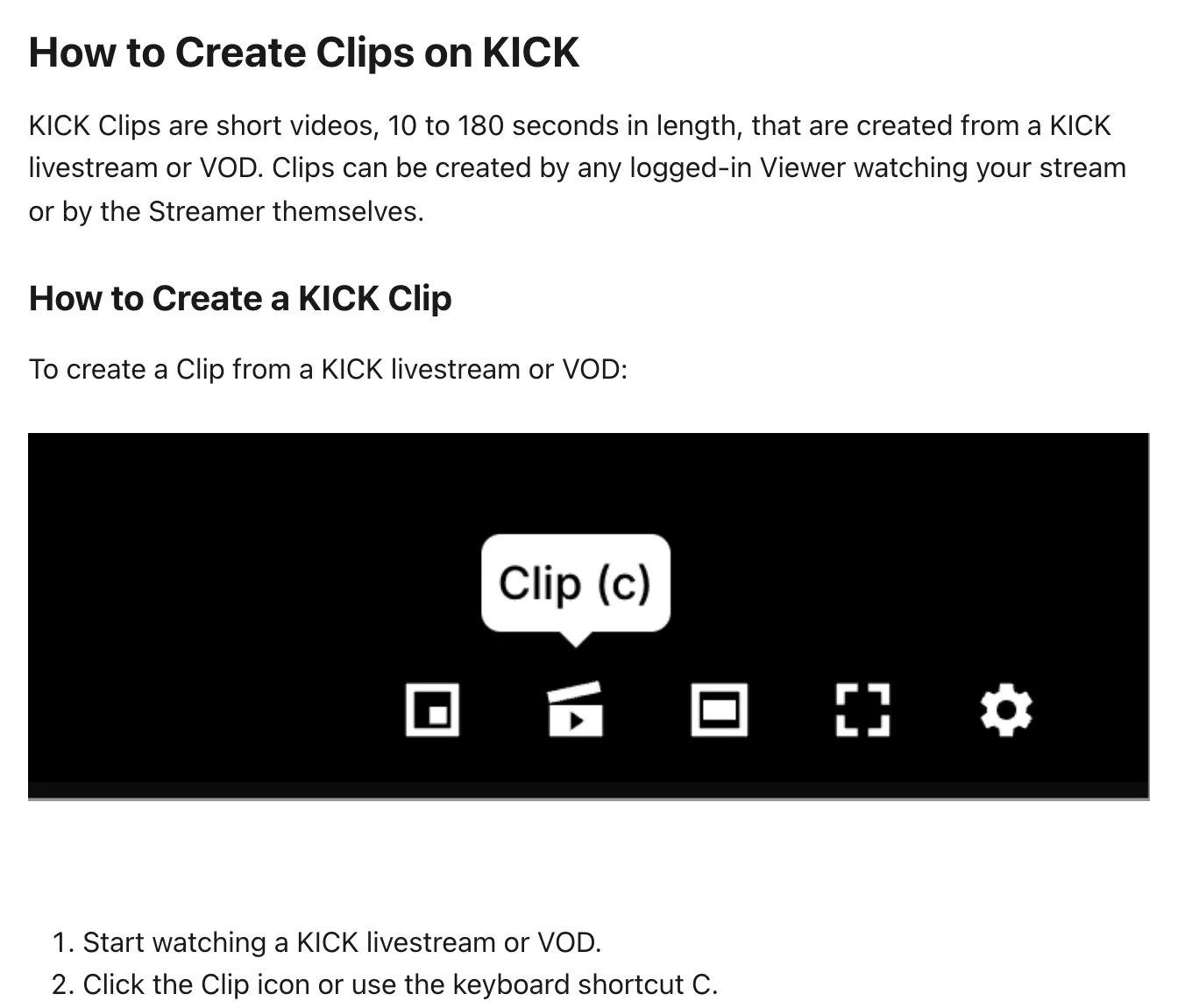
- Log in and start watching a Kick live stream or VOD.
- Click the Clip icon on the player, or press C.
- Drag the slider to choose the moment (10 to 180 seconds) and add a title.
- Click Publish. The button shows “Publishing to KICK” while the clip is made.
Once it's published you can download the clip, send it in chat (not available when clipping VODs) or copy its link to share.
Kick clip rules
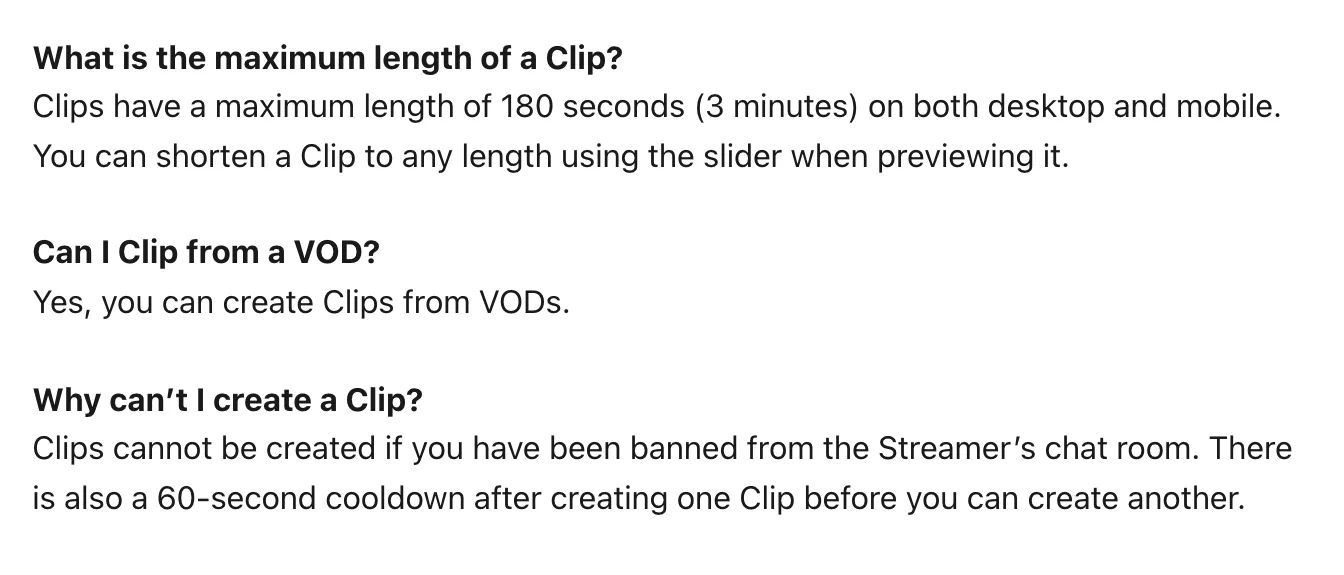
- Clips are 10 to 180 seconds long, on desktop and mobile.
- You can clip live streams and VODs.
- There's a 60-second cooldown between clips.
- You can't clip a channel whose chat has banned you.
- If a clip you made disappears, the streamer most likely deleted it.
How to download Kick clips
Open the clip and click Download; it saves as an .mp4 file. Kick's help article says all clips can be downloaded when viewed. Downloading isn't permission to repost, though: only post someone else's clips if they've agreed.
How to delete Kick clips
- Log in and go to your channel page (kick.com/your-channel).
- Open the Clips tab.
- Click the three dots next to the clip's title.
- Click Delete.
Only the channel owner can delete clips from a channel, including clips viewers made.
What is the Kick clipping program?
Kick's help article on clips covers making them, not getting paid for them, and we couldn't find an official Kick page describing a program that pays clippers. When people talk about the “Kick clipping program”, they usually mean clipping campaigns run by Kick streamers, agencies or clipping companies, which pay per view. Kick's own official contests are Kick Bounties: challenges that award KICKs or gifted subs, and some of them ask you to clip a stream.
Before joining any campaign that calls itself official, check that it links back to the streamer's or Kick's own channels. More in what a clipping campaign is and how to make money clipping.
Turn a whole Kick stream into clips
Kick clips max out at three minutes and you make them one at a time. To get a week of TikToks, Shorts and Reels out of one stream:
- Copy the video link from the channel's Videos page (kick.com/channel/videos/…).
- Paste it into goodgoodclips.com and confirm you own the stream or have permission to use it.
- Choose a clip length and, if you like, describe what to look for in Find clips about.
- goodgoodclips picks the moments, reframes them to 9:16, adds captions and writes titles and hashtags. Download them in 1080p.

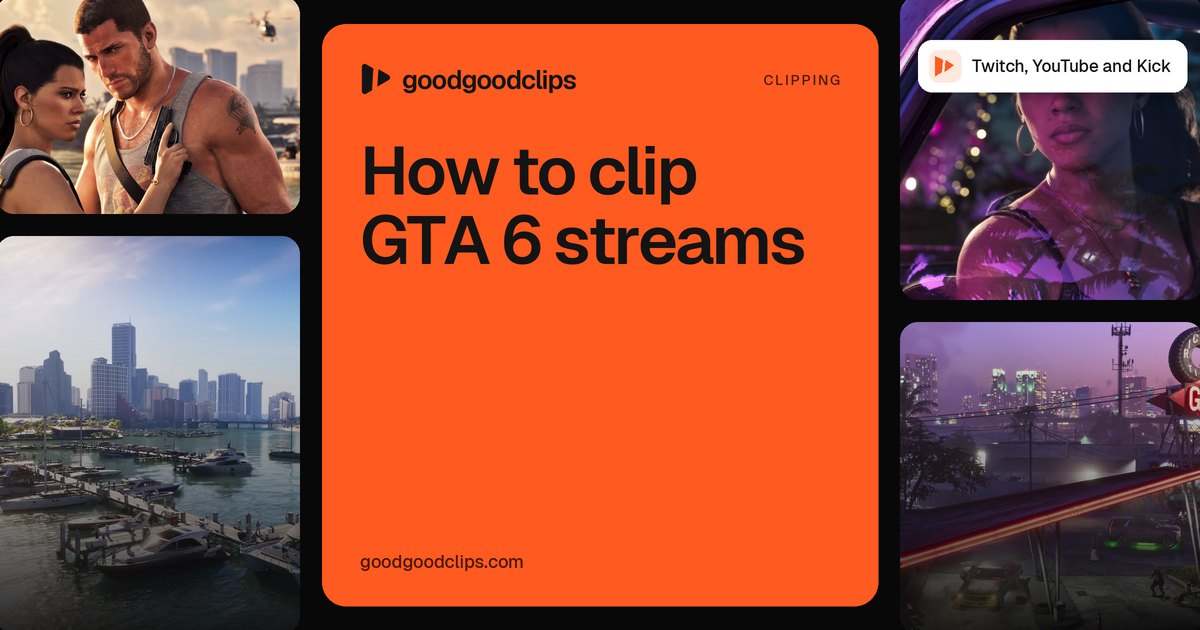
Big Kick streamers will be playing GTA 6 for hours after it comes out on 19 November 2026. See how to clip GTA 6 streams for the moments worth cutting.