YouTube Video Cutter: How to Cut and Clip Your Own YouTube Videos
Most “online YouTube video cutters” work by downloading the video from YouTube first, and YouTube doesn't allow that for other people's videos. For your own videos there's a clean route that gives better results anyway: download your original from YouTube Studio, then cut it. goodgoodclips.com does the cutting for you, turning one long video into many short clips with captions.
Step 1: Download your video from YouTube Studio
- Sign in to YouTube Studio.
- Select Content in the left panel.
- Open the menu (three dots) next to the video and select Download.
According to YouTube's help page, you get an MP4 in 720p or 360p depending on the video, and you can't download other users' videos. Downloads aren't available for removed videos, videos with a strike or videos using a preapproved audio track, and each video can be downloaded at most five times in 24 hours. If you still have the original file from your camera or editor, use that instead: it's higher quality.
Step 2: Cut it the way you need
| You want to… | Use | Notes |
|---|---|---|
| Shorten the video on YouTube itself | YouTube Studio Editor | Keeps the URL, views and comments. See how to trim a video on YouTube. |
| Make one Short from it | “Edit into a Short” in the YouTube app | Up to 60 seconds. See YouTube Shorts from your podcast. |
| Turn it into many clips | goodgoodclips | Finds the moments, reframes to 9:16, adds captions; clips up to 3 minutes |
The fastest YouTube video cutter: goodgoodclips
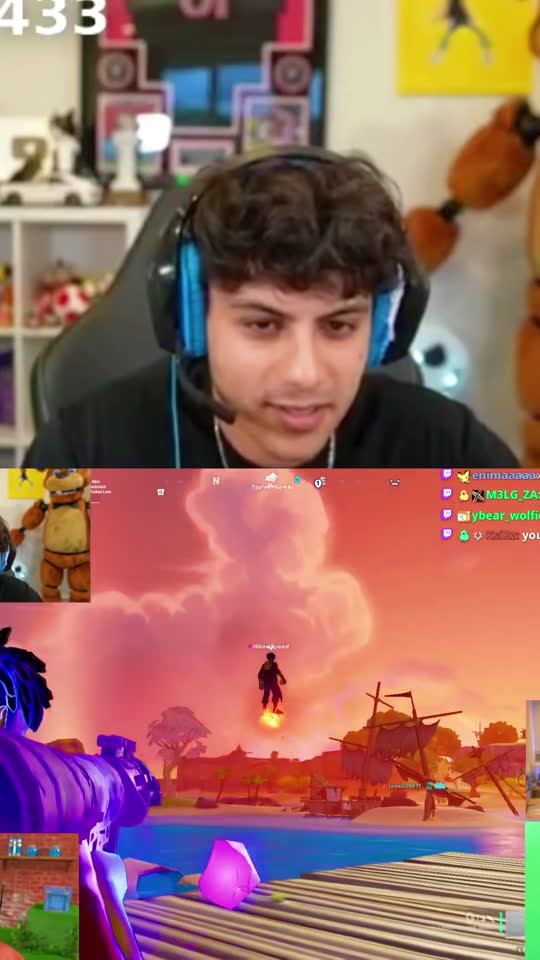
Upload your video to goodgoodclips.com and the AI reads the whole thing, up to 4 hours, then picks the moments that stand on their own. Each clip comes back vertical at 1080p, with the speaker in frame, animated captions and a Shorts description. You can trim any clip on word boundaries in the browser, and edits never use credits.

What about cutting someone else's YouTube video?
YouTube's terms don't allow downloading other people's videos. To share a moment from someone else's video, use YouTube's own Clip button, which makes a shareable 5 to 60 second link; see how to save clips from YouTube. If you want to clip creators for money, join a clipping campaign where they give you the footage.