Why Is My TikTok Video Low Quality After Upload? (How to Fix It)
4 min read

TikTok compresses every video you upload, so a file that's the wrong size, an unusual frame rate or already compressed loses detail on the way. The fix is to give TikTok a clean vertical 1080×1920 file and upload the original, not a copy. Clips from goodgoodclips.com come out as 1080p MP4s, ready to upload.
Why TikTok makes your video blurry
- It's been compressed twice. Videos sent through messaging apps, or downloaded from another app and re-uploaded, are already compressed before TikTok compresses them again.
- The size doesn't match. Very large files get compressed harder and small ones get scaled up, and both can soften the picture.
- The frame rate is unusual. TikTok's posting API accepts 23 to 60 frames per second, so anything outside that range has to be converted.
- It was low quality to begin with. A dark, noisy or zoomed-in recording won't sharpen on TikTok.
How to post high-quality videos on TikTok
- Export at 1080×1920 (9:16). That's full HD in a vertical frame.
- Use 30 or 60 frames per second, whichever you filmed at.
- Export as MP4 with H.264. TikTok's developer documentation lists both as recommended.
- Upload the original file. Move it to your phone with AirDrop, a cable or a cloud drive, not a messaging app.
- Look for a high-quality upload option. Some versions of the app show one in the post screen's settings. We couldn't find it documented in TikTok's Help Center, and it isn't on every device.
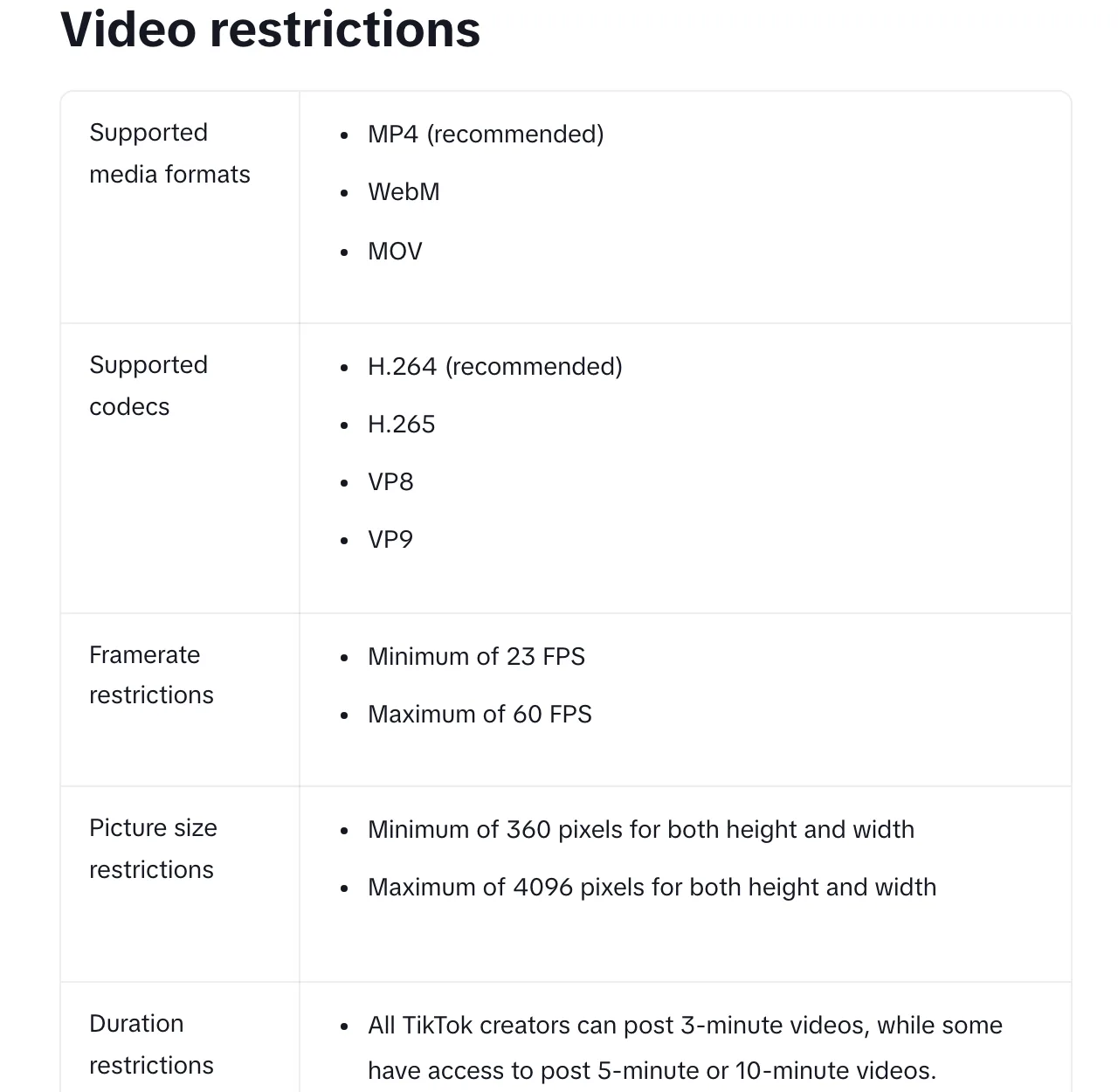
The best export settings for TikTok
| Setting | Use |
|---|---|
| Resolution | 1080×1920 |
| Aspect ratio | 9:16 (vertical) |
| Frame rate | 30 or 60 fps (TikTok's API accepts 23 to 60) |
| Format | MP4, H.264 |
Clips that are ready for TikTok
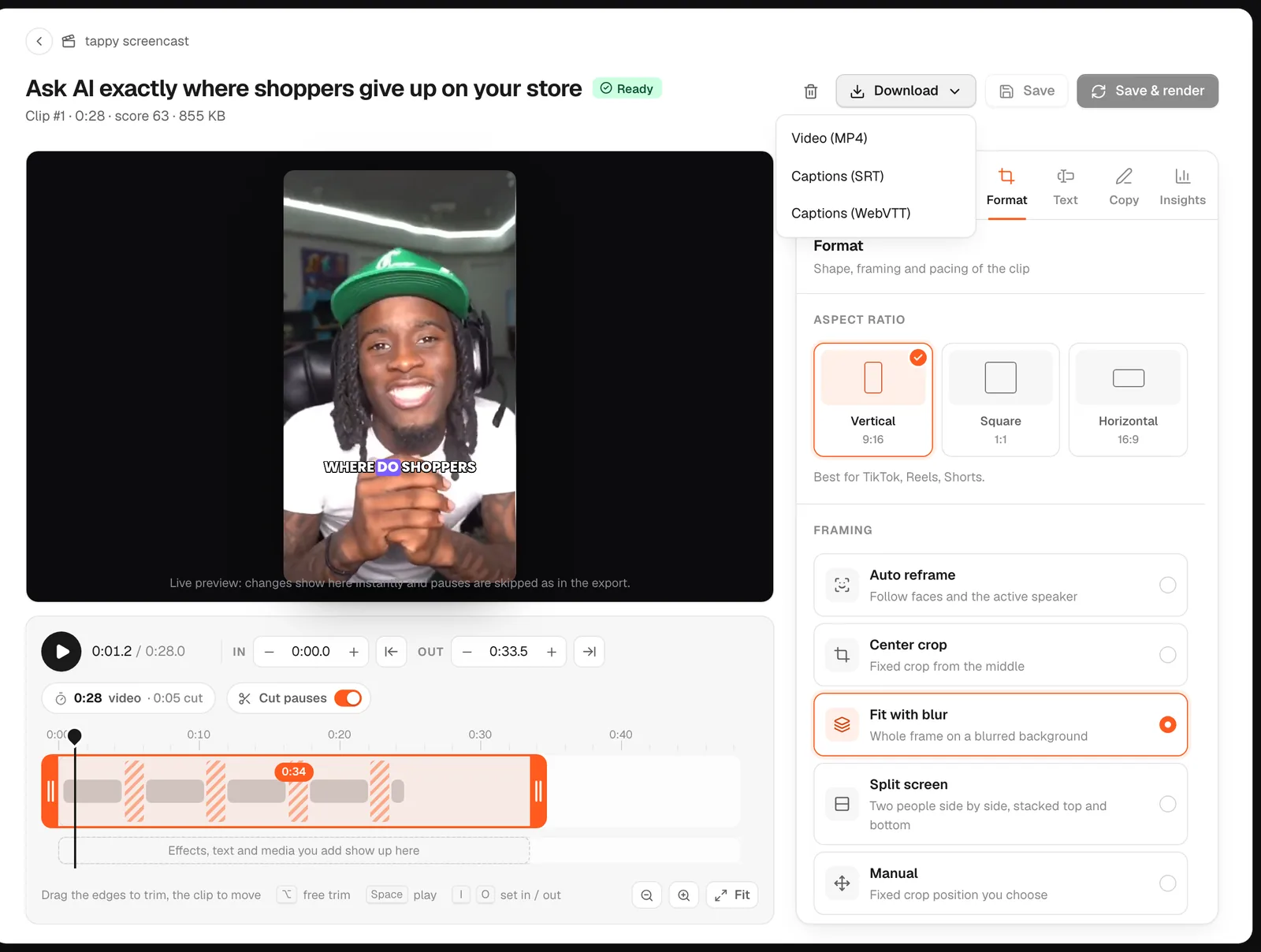
Upload a long video to goodgoodclips.com and every clip it makes is exported as a vertical 1080p MP4 with animated captions and no watermark, at a steady frame rate. Download it straight to your phone or computer and upload it to TikTok as is.

More: how to go viral on TikTok and vertical video dimensions.