TikTok Video Size: Dimensions, Aspect Ratio and File Limits
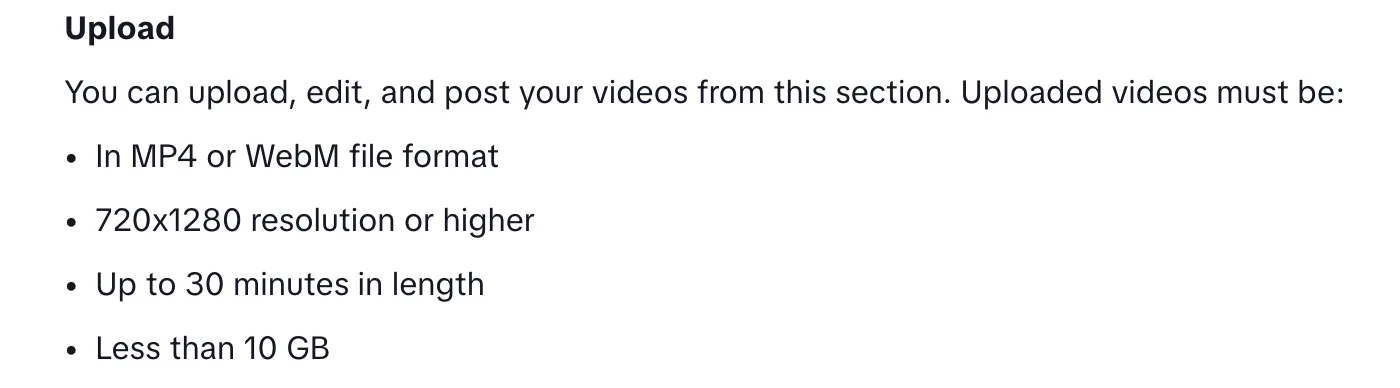
The best TikTok video size is 1080×1920 pixels, a vertical 9:16 video that fills the screen. TikTok Studio accepts uploads from 720×1280 as MP4 or WebM files up to 10 GB. goodgoodclips.com turns horizontal videos into 1080×1920 TikToks with the speaker kept in frame.
TikTok video dimensions
| Setting | Value |
|---|---|
| Best size | 1080×1920 pixels (9:16) |
| Minimum resolution | 720×1280 (TikTok Studio upload) |
| File types | MP4 or WebM in TikTok Studio; MP4, WebM or MOV from other apps |
| Largest file | Under 10 GB in TikTok Studio; 4 GB from other apps |
| Frame rate | 23 to 60 FPS |
| Length | Up to 10 minutes recorded, 60 minutes uploaded |
The upload rules for the web come from TikTok's TikTok Studio help page; frame rate and the limits for other apps come from TikTok's developer docs. For length, see how long TikTok videos can be.
TikTok aspect ratio
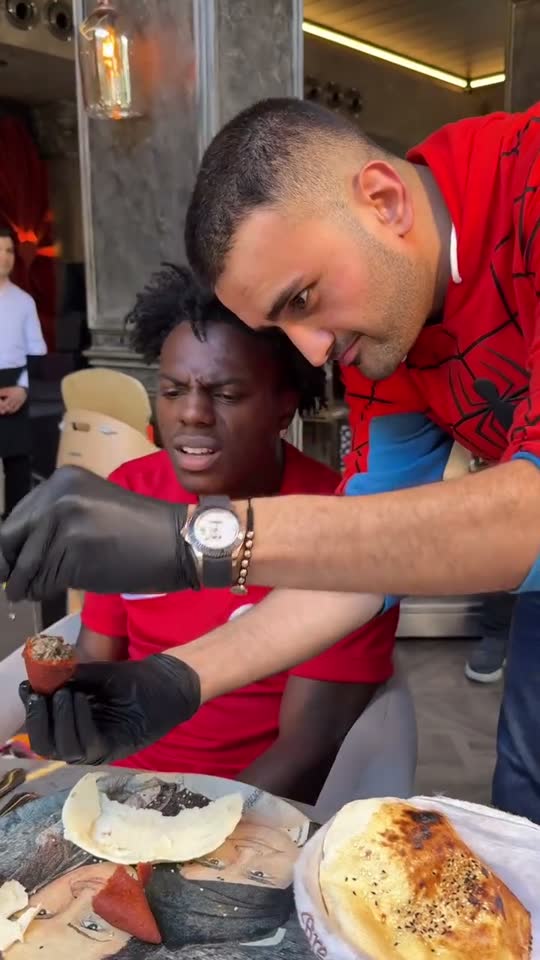
9:16 fills the screen. TikTok's Creator Academy says you can upload vertical or landscape videos, but a horizontal video leaves empty space above and below it in the vertical feed, so most creators reframe to 9:16. TikTok's developer docs allow anything from 360 to 4096 pixels on each side.
TikTok cover size
TikTok Studio lets you select a cover image when you upload. TikTok's help pages don't list a separate size for it, so use 1080×1920, the same as the video.
How to make a horizontal video TikTok size
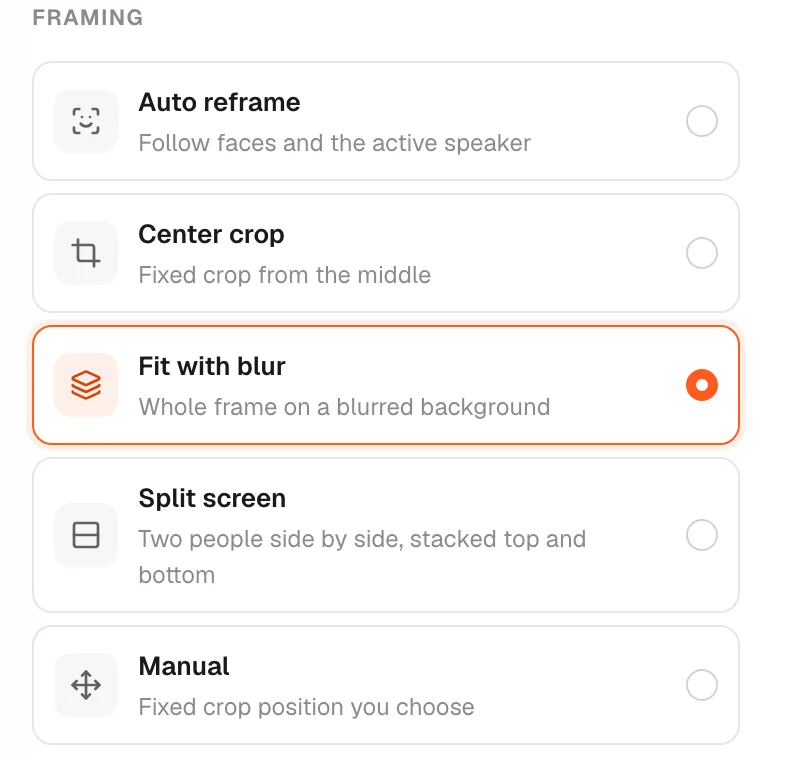
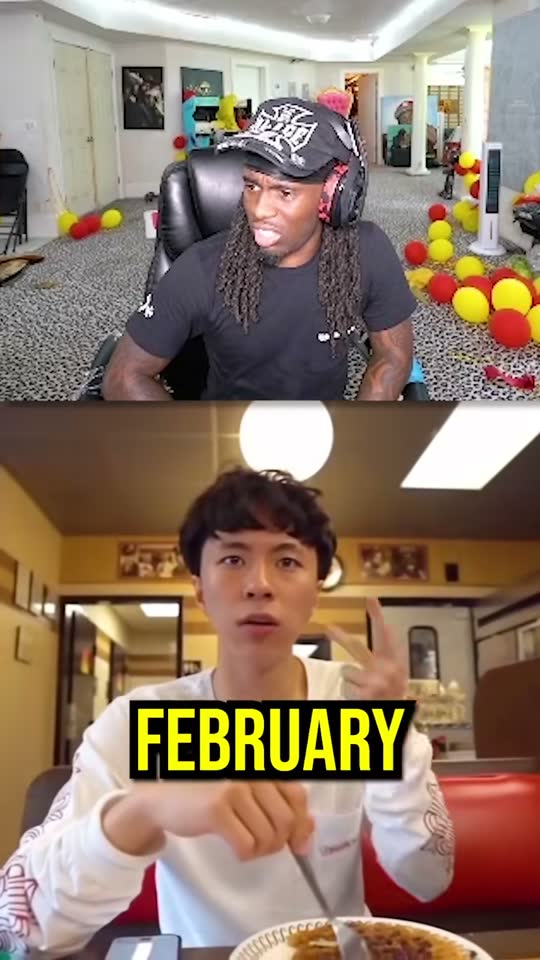
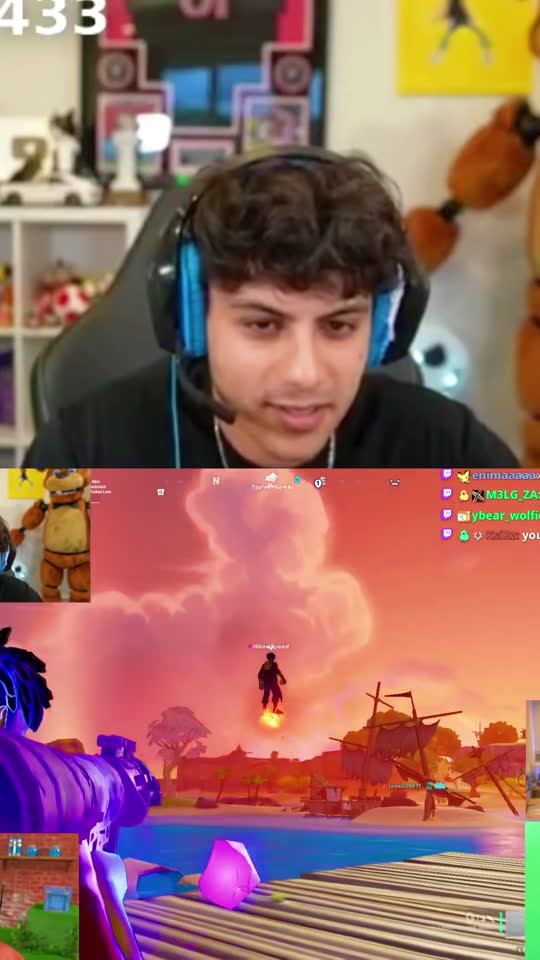
Cropping a 16:9 video to 9:16 keeps less than a third of the width, so what you crop to matters. Center crop works for one person who doesn't move. Following the speaker works for conversations. Fitting the whole frame on a blurred background works for slides and gameplay. There's a full walkthrough in how to make a horizontal video vertical.
goodgoodclips.com does the framing for you: auto reframe follows whoever is talking, and you can switch any clip to center crop, fit with blur, split screen or a manual crop in the editor.