How to Turn One Podcast Episode into a Week of Short Clips
A one-hour episode usually contains several moments that work on their own: a story, a sharp answer, a disagreement. Most of them never leave the full episode, because finding and cutting them by hand takes hours. This is the workflow we recommend for getting them out, whether you cut clips by hand or use a tool like goodgoodclips.com.
1. Record with clips in mind
Clips are made from video, so record video even if your show is audio-first. A few choices at recording time make every later step easier:
- Keep faces well lit and in shot. Vertical crops zoom in a long way. A face that is small or half in shadow in the wide shot looks worse at 9:16.
- Give each person their own mic. Clean, separate audio makes transcripts more accurate, and captions depend on the transcript.
- Avoid talking over each other where you can. Crosstalk is hard to caption and hard to follow in a 30-second clip.
2. Pick moments that stand alone
The best clip is rarely the loudest five seconds. Look for a moment that has three things: a first line that grabs attention, enough context that a stranger can follow it, and an ending that lands. If the first sentence starts with “like I said earlier”, it is not the start of a clip.
In goodgoodclips this step is automatic. The AI reads the whole transcript, scores each candidate on seven criteria and shows a one-line reason for every pick. You can steer it with “Find clips about”, for example “the story about the first investor”.
3. Frame and caption for phones
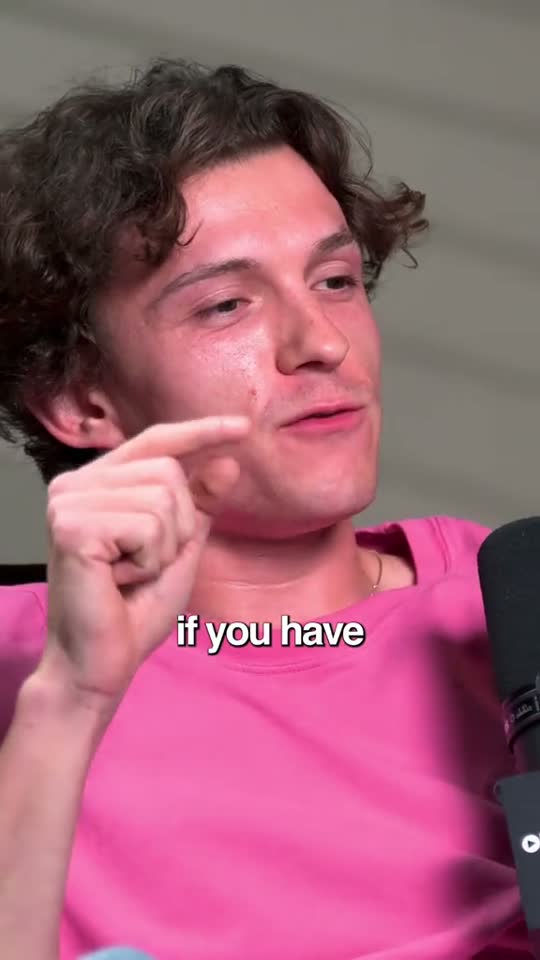
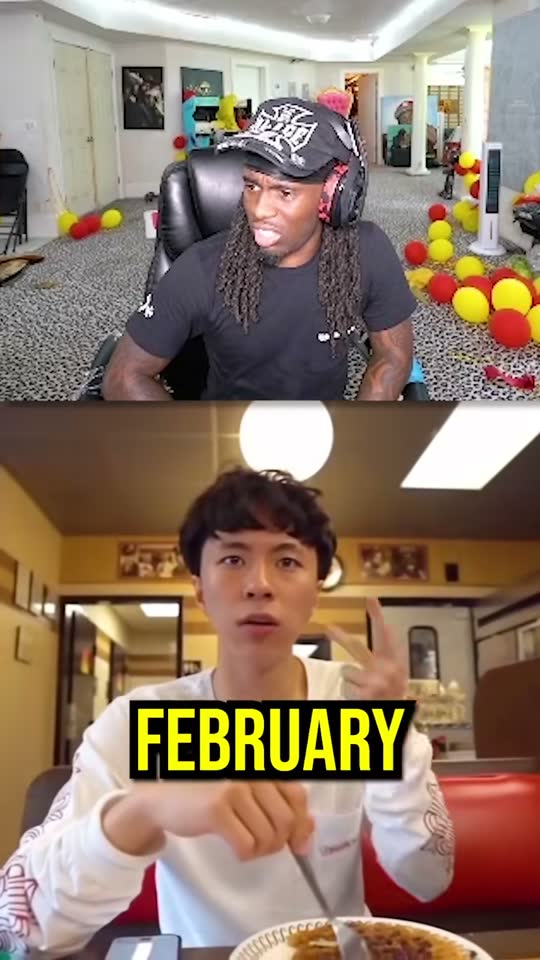
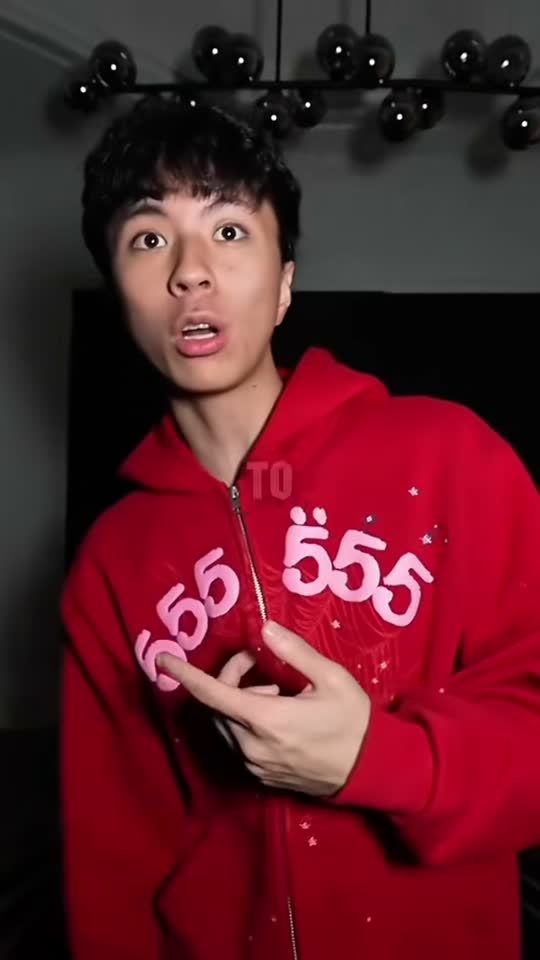
A podcast is usually shot wide; phones are tall. For one speaker at a time, follow the active speaker. For two people in one wide shot, split screen keeps both faces and both reactions visible. Add captions to every clip: many people watch with the sound off, and captions are often what stops the scroll.
4. Write the title and caption from the clip, not the episode
“Episode 42 with Jane Doe” tells a stranger nothing. Write the title from what is said in the clip. Each goodgoodclips clip comes with a title, an on-screen hook, a caption and hashtags written from that moment's transcript, which you can edit or rewrite.
5. Spread the clips over the week
Post one or two clips on release day to point people at the new episode, then spread the rest over the following days. Post the same clip to TikTok, Reels and Shorts; the audiences overlap less than you might expect. Keep notes on which topics and openings hold attention, and feed that back into what you record next.

What you need to try this in goodgoodclips
- The video file of the episode as MP4, MOV or WebM (up to 2 hours on Creator, 3 on Pro, 4 on Agency).
- If the episode is on YouTube, download your original from YouTube Studio. YouTube doesn't allow third-party tools to download videos.
- One credit per minute of video: a 60-minute episode uses 60 of Creator's 250 monthly minutes.
More detail is on the podcast clips page.