How to Start a Video Podcast: Setup, Equipment and Clips
6 min read
A video podcast gets you two audiences: people who watch full episodes, and people who discover you through short clips. Setting one up is mostly about clean audio, faces that are easy to see and a setup you can repeat every week. Then goodgoodclips.com turns each episode into a batch of clips for TikTok, Reels and Shorts.
The video podcast setup that matters
- Audio first. One microphone per person, close to the mouth. People forgive average video; they don't forgive bad sound.
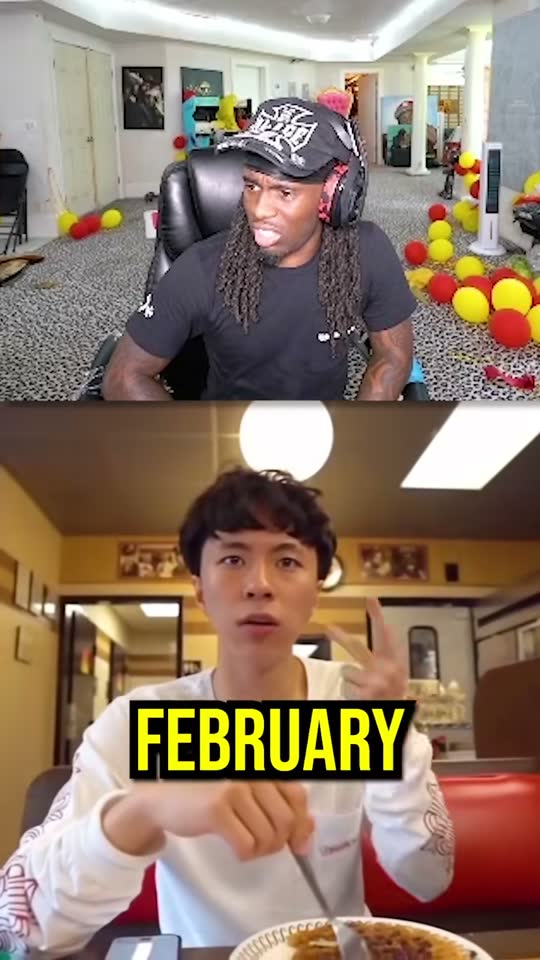
- A camera per person if you can. Separate angles make vertical clips easy: each speaker already fills a frame.
- Light the faces. A soft light in front of each person beats an expensive camera in a dark room.
- A simple background with some depth, without clutter right behind heads.
- Record locally at the highest quality you can, even if you also stream live.
Video podcast equipment checklist
| Item | Start with | Upgrade later |
|---|---|---|
| Microphones | A dynamic mic per person | An audio interface or recorder |
| Cameras | One camera or phone framing everyone | One camera per person |
| Lighting | One soft key light per person | Background and hair lights |
| Recording | Record each mic and camera separately if you can | A dedicated recording setup |
Frame for vertical clips from day one
- Leave headroom: vertical crops zoom in, so tight framing gets cut off.
- Keep each person roughly centred in their own shot.
- If everyone's in one wide shot, sit people far enough apart that split screen can separate them.
Clip every episode automatically
Upload the episode to goodgoodclips.com and it reads the whole conversation (up to 4 hours), finds the moments that stand on their own, follows whoever is speaking or uses split screen, removes “um”s and “uh”s from English episodes, levels the audio and adds animated captions. Each clip comes with a title, caption and hashtags.

Next: turn one episode into a week of clips and podcast clips with goodgoodclips.