Instagram Reel Size: Dimensions, Aspect Ratio and Cover (2026)
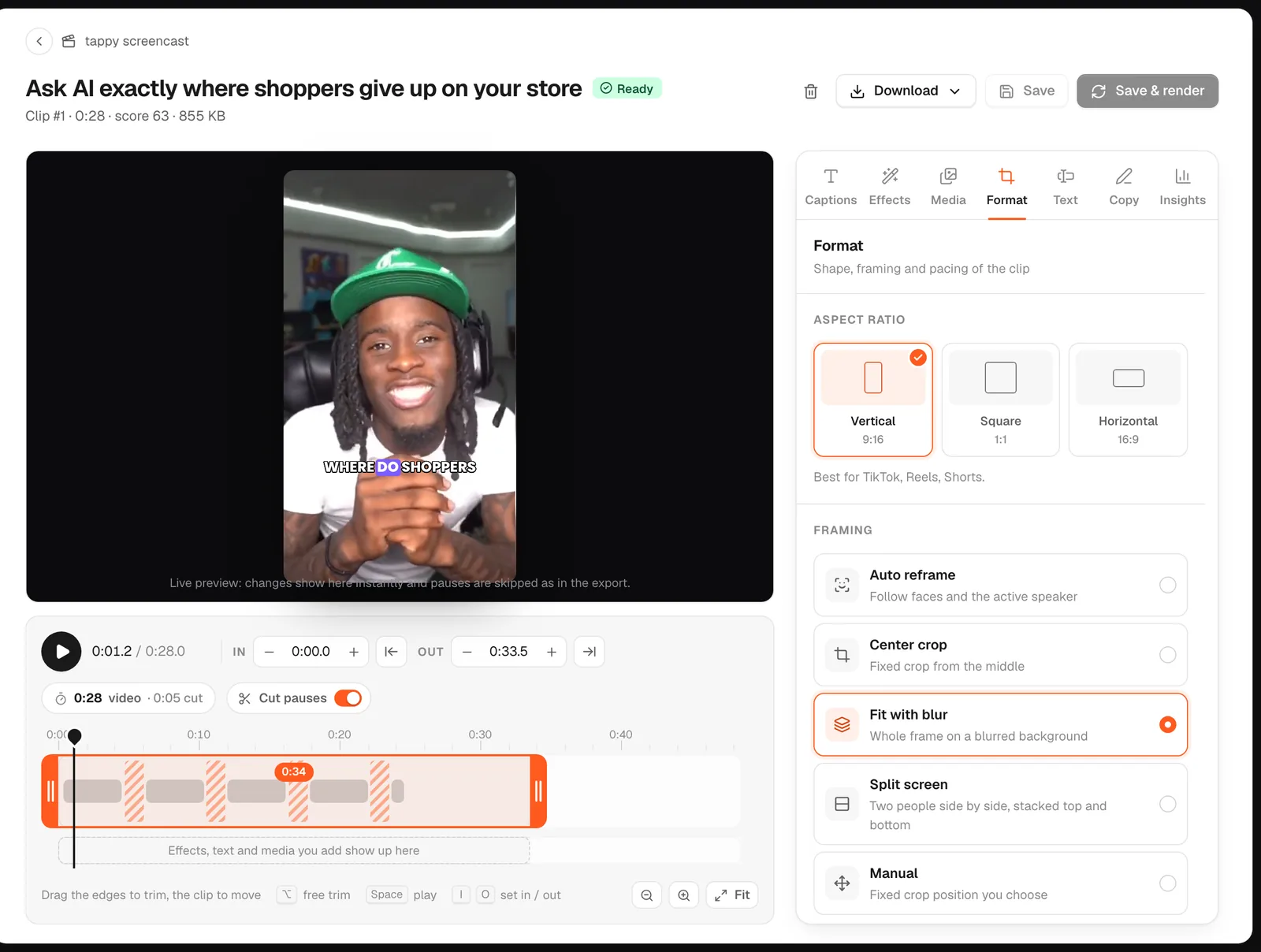
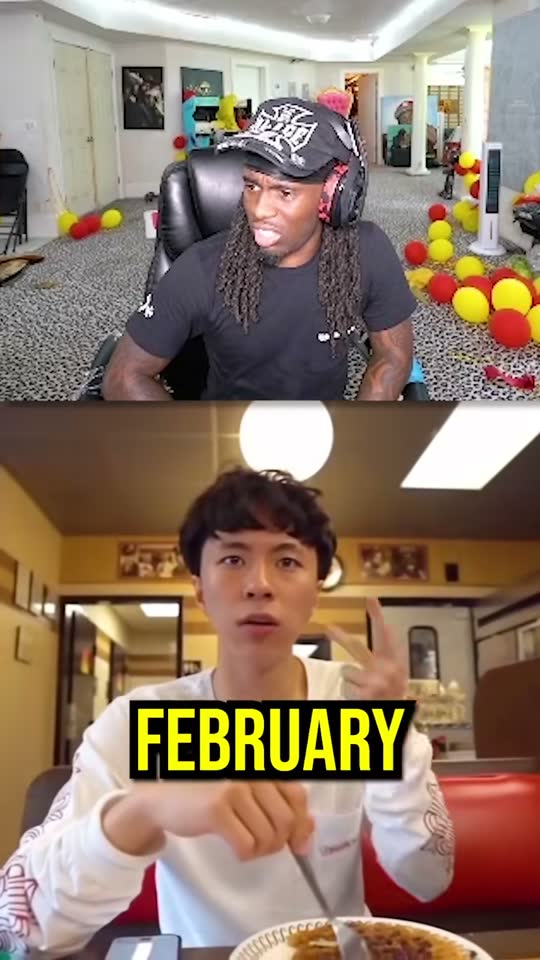
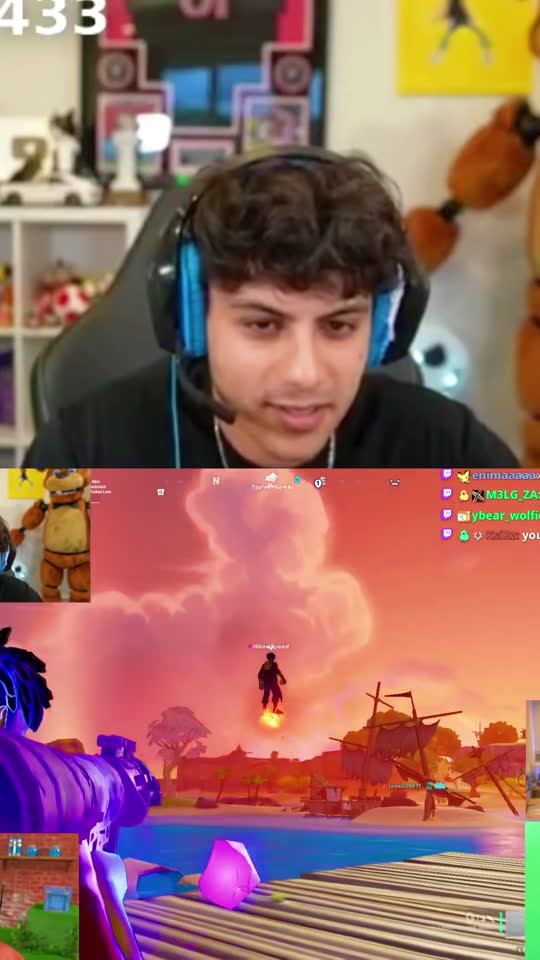
The best Instagram Reel size is 1080×1920 pixels, a vertical 9:16 video that fills the phone screen. Instagram accepts reels anywhere from 1.91:1 (wide) to 9:16 (tall), at least 720 pixels and 30 frames per second. goodgoodclips.com exports clips from your long videos at exactly 1080×1920, with the speaker kept in frame.
Instagram Reel dimensions
| Setting | Value |
|---|---|
| Best size | 1080×1920 pixels (9:16) |
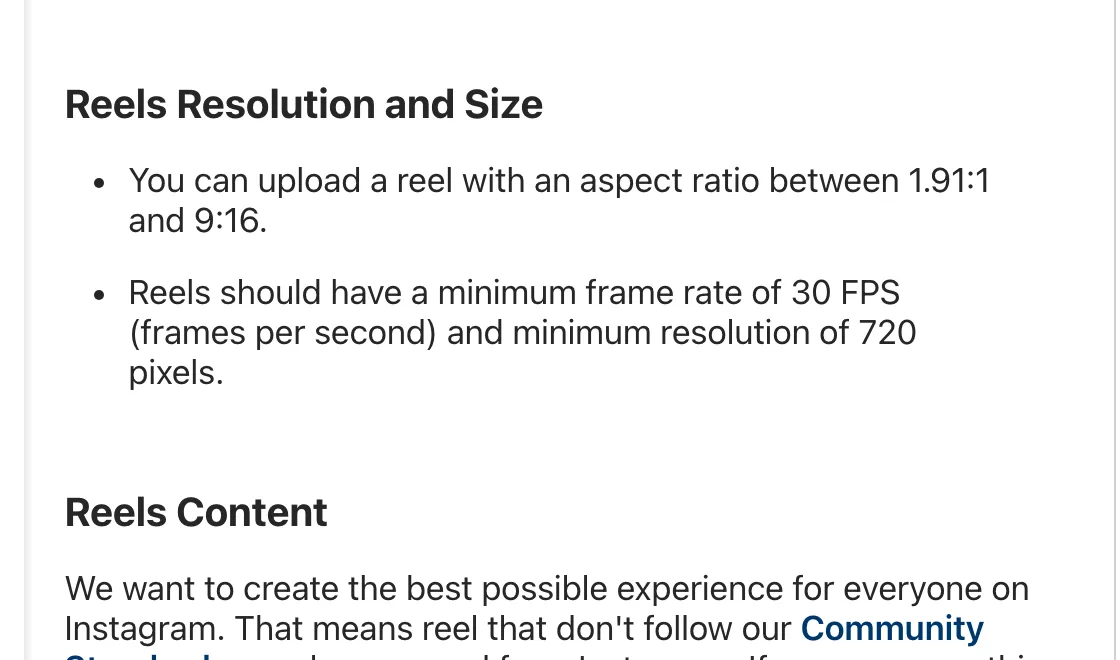
| Aspect ratios accepted | 1.91:1 to 9:16 |
| Minimum resolution | 720 pixels |
| Minimum frame rate | 30 FPS |
| Cover photo | 420×654 pixels (1:1.55) |
| Length | Up to 20 minutes; over 3 minutes isn't recommended to new audiences |
The ratios, minimums and cover size come from Instagram's help page on reel size and aspect ratios. Instagram doesn't give a single pixel size; 1080×1920 is the 9:16 size at full HD width, and anything taller than 9:16 or wider than 1.91:1 gets cropped.
Instagram Reel cover size
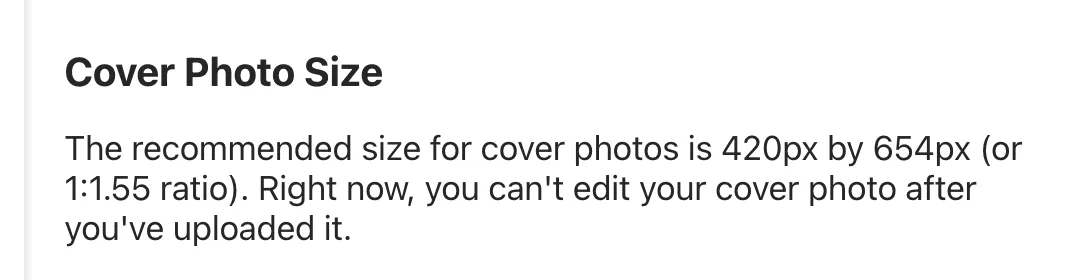
Instagram recommends a cover photo of 420×654 pixels, a 1:1.55 ratio. Its help page says you can't edit the cover after uploading, so pick it before you share. When you upload from a computer you can choose a frame from the clip or upload an image, per the record a reel help page.
Keep faces and text clear of the edges
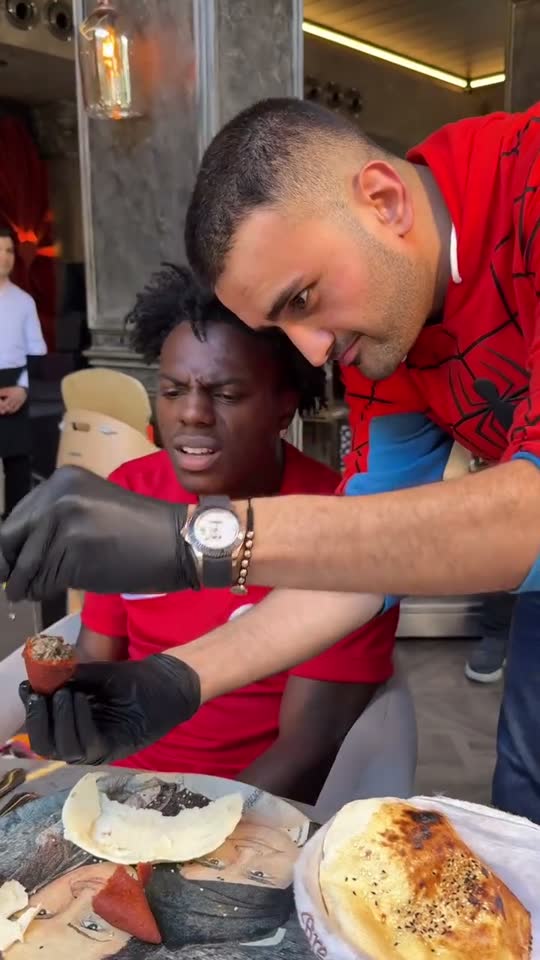
Instagram puts your username, caption and buttons over the bottom and right of a reel. Keep faces and on-screen text in the middle of the frame so nothing important ends up underneath.
Upload at full quality
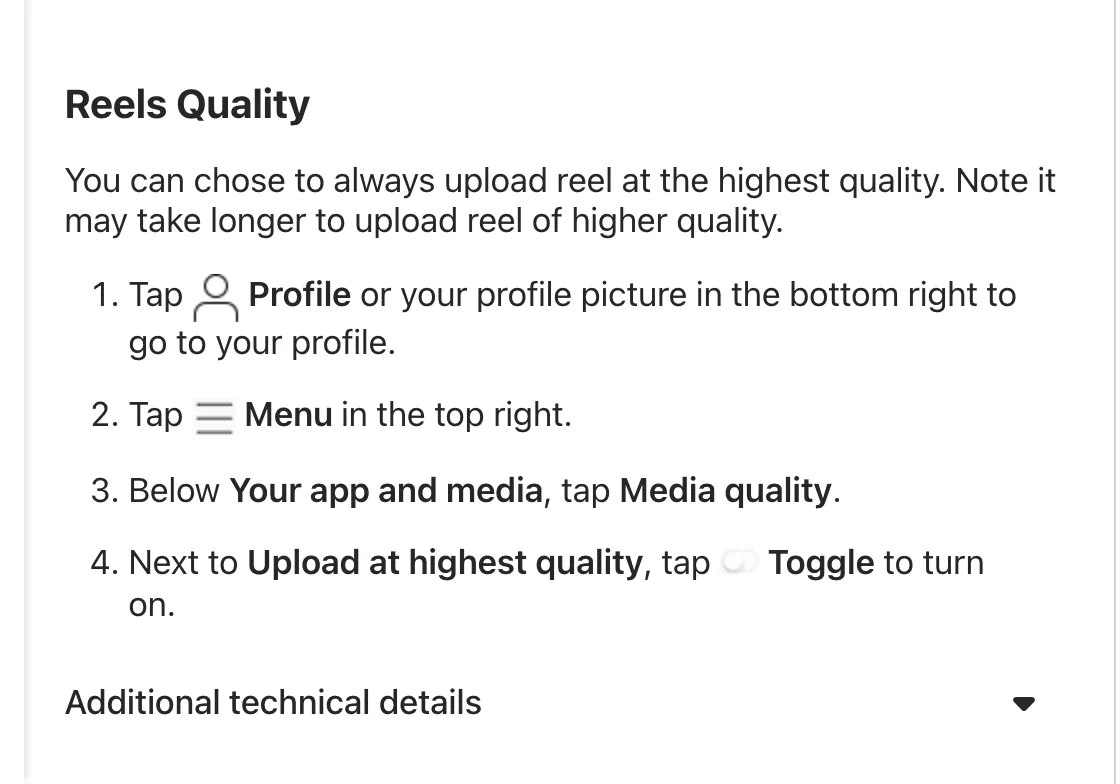
Instagram has a setting to always upload at the highest quality: go to your profile, tap Menu, then Media quality, and turn on Upload at highest quality. It can make uploads slower. If your reels or stories still look soft, see why your Instagram story looks blurry.
For how long a reel can run, see how long an Instagram Reel can be.
Make Reels the right size from long videos
Most horizontal video loses the speaker when you crop it to 9:16 by hand. Upload yours to goodgoodclips.com and it picks the moments that work as Reels, reframes each to 1080×1920 following whoever is talking, adds animated captions and writes an Instagram caption with hashtags.