How to Clip Podcasts for TikTok (and Use #podcastclips)
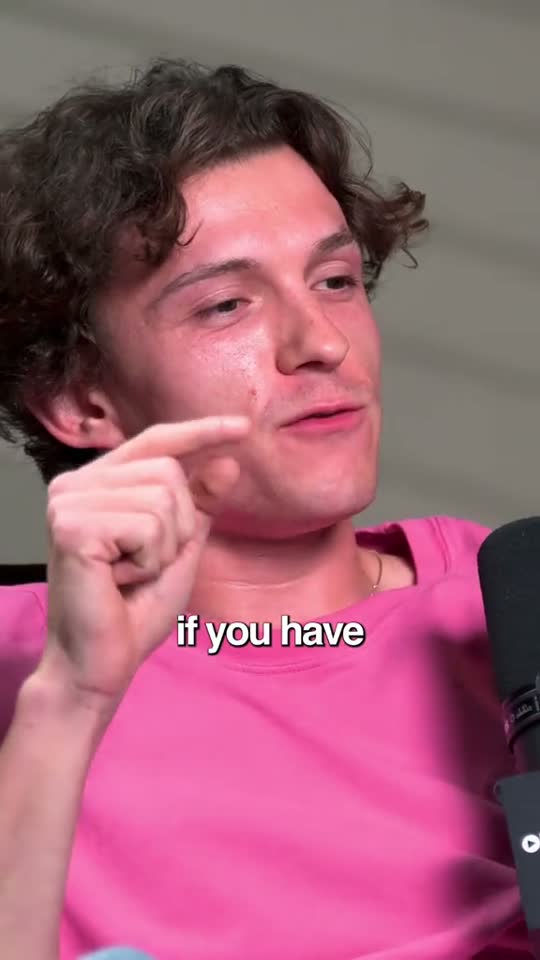
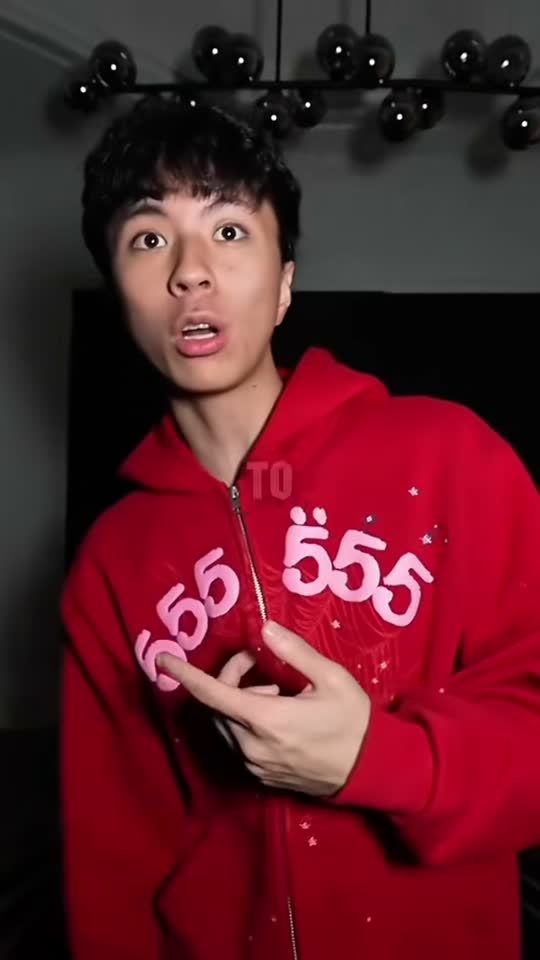
Podcast clips are one of the most common formats on TikTok, and #podcastclips is full of them. Good ones share a pattern: a hook in the first line, one clear idea, both speakers visible and captions on. Here's how to clip a podcast for TikTok, by hand or in minutes with goodgoodclips.com.
How to clip a podcast for TikTok
- Pick a moment that stands alone. A story with a payoff, a sharp answer or a disagreement. If it needs the previous ten minutes, skip it.
- Start on the hook. Cut the “so, yeah” and open on the question, the claim or the surprising line.
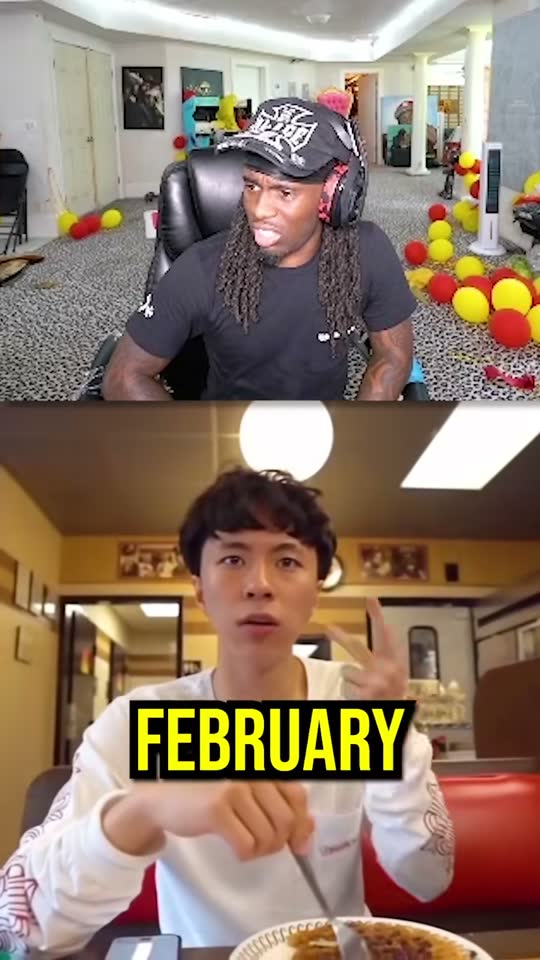
- Frame it for 9:16. Follow whoever is talking, or use split screen so both hosts' reactions stay in shot.
- Add captions. Big, word-timed captions with the key word highlighted.
- Write the caption and hashtags. Say what the clip is about in plain words, then add a few hashtags.
- Post consistently, several clips a week rather than ten in one day.
Podcast clipping in minutes with goodgoodclips
goodgoodclips.com does every step above for you. Upload the episode and it reads the whole conversation, picks the moments that work on their own, reframes them with active-speaker tracking or split screen, adds animated captions, removes “um”s and “uh”s from English episodes and writes a TikTok caption with hashtags for each clip. Each clip shows a score and the reason it was picked, so you post the best first.

Using #podcastclips and other hashtags
- Mix broad and specific. #podcastclips tells TikTok the format; a topic tag (#startups, #fitness, #relationships) tells it who should see the clip.
- Name the show or guest if people already search for them.
- Keep it to a handful. A few relevant tags beat a wall of generic ones.
- Let the words do the work. TikTok also reads your caption and the words on screen, so a clear caption and burned-in captions help as much as hashtags.
Podcast clip mistakes to avoid
- A static wide shot of two people: on a phone, nobody's face is visible.
- Ending on a setup instead of the payoff.
- No captions: many people watch on mute.
- Clips that only make sense if you've heard the episode.
More on the workflow: how to turn one podcast episode into a week of clips and podcast clips with goodgoodclips.