Closed Captions vs Subtitles: What's the Difference?
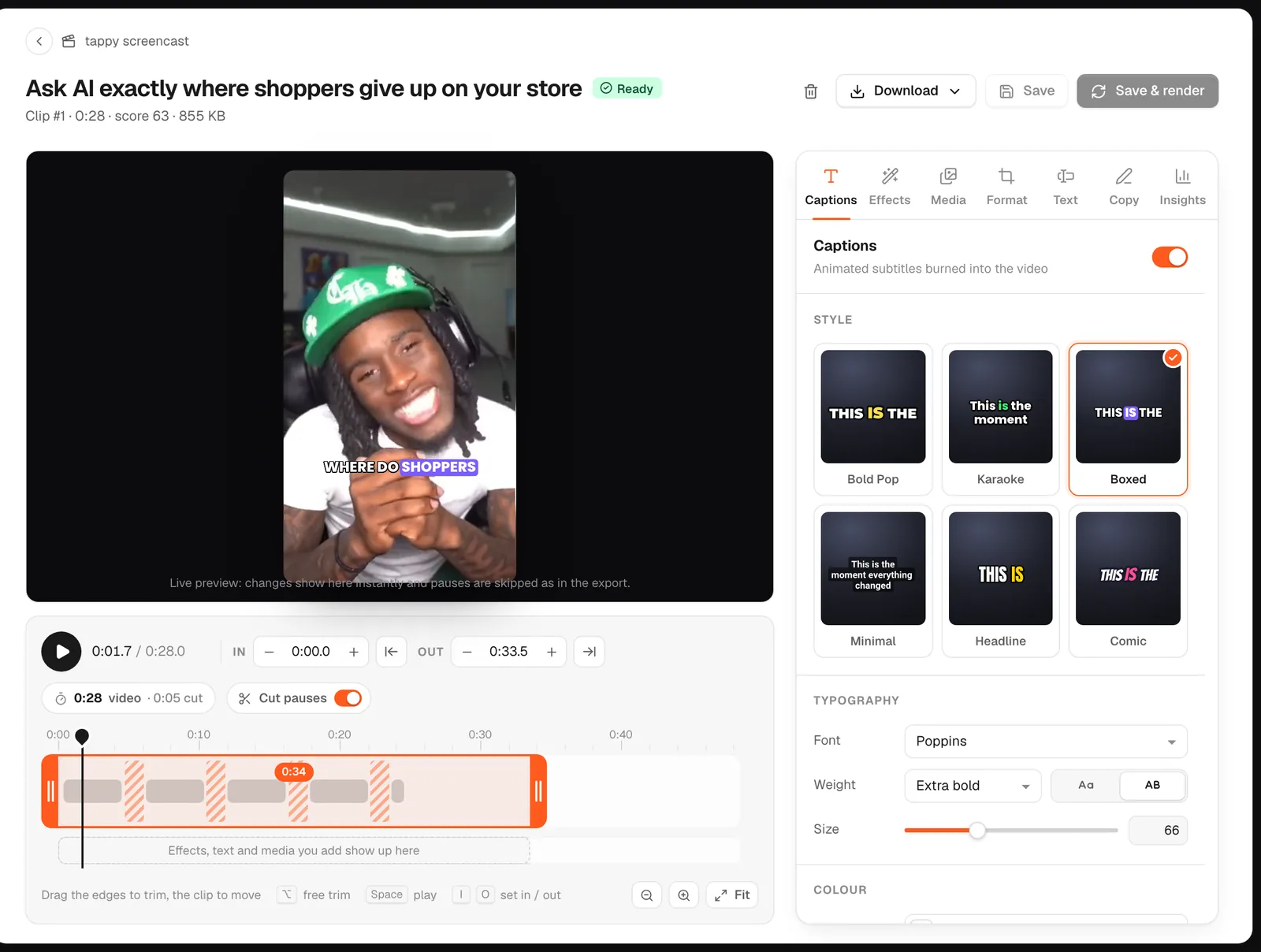
Subtitles are for people who can hear the audio but don't understand the language, so they translate the dialogue. Captions are for people who can't hear it, so they include sound effects, music and who is speaking as well as the words. Closed captions can be turned on and off; open captions are part of the picture. goodgoodclips.com adds open, animated captions to every clip, the kind short-form video uses.
The difference at a glance
| Subtitles | Closed captions | Open captions | |
|---|---|---|---|
| Made for | Hearing viewers who don't speak the language | Deaf and hard-of-hearing viewers | Everyone, including people watching on mute |
| Includes | Dialogue, usually translated | Dialogue plus sound effects, music and speaker names | Whatever the creator adds, usually the dialogue |
| Can be turned off? | Yes | Yes, with the CC button | No, they're burned into the video |
| Where you see them | Films and streaming services | TV and YouTube | TikTok, Reels and Shorts |
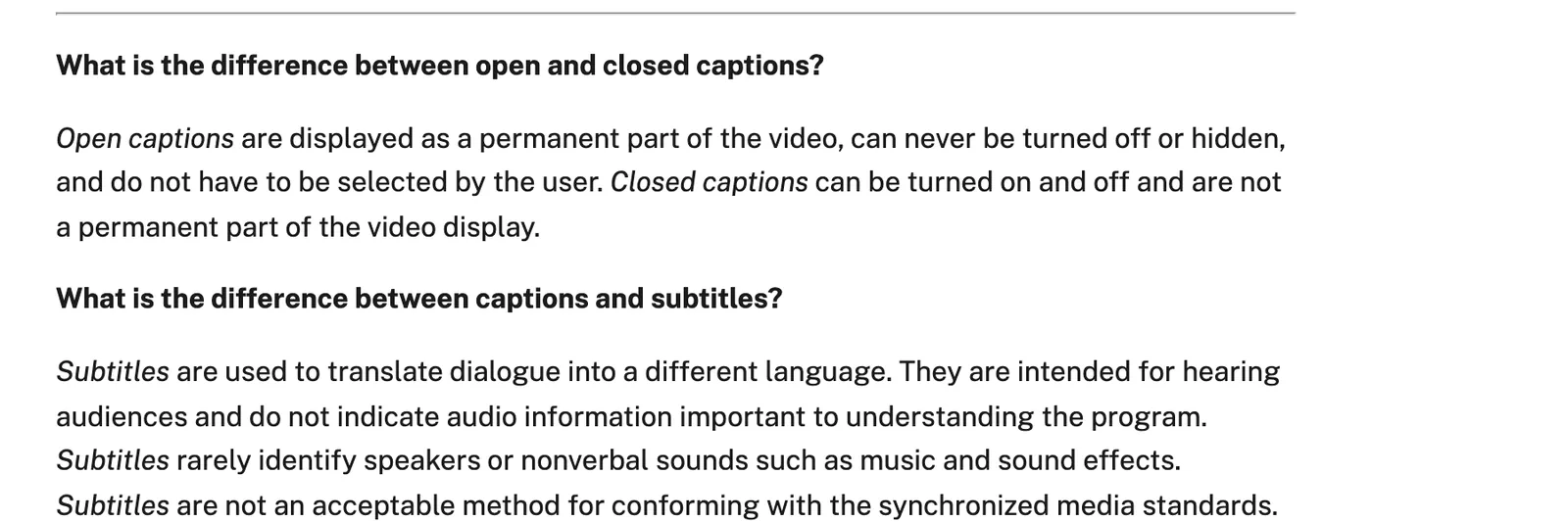
The U.S. government's Section 508 guidance puts it plainly: subtitles are intended for hearing audiences and rarely identify speakers or sounds such as music, so they don't meet accessibility standards on their own. Captions do.
What are SDH subtitles?
SDH means subtitles for the deaf and hard of hearing. The Described and Captioned Media Program describes SDH as just like subtitles, but including sound effects, speaker identification and other important non-speech information, as close to verbatim as possible. Netflix's partner help calls SDH a mix of the two: technically subtitles, with the same audience and content as closed captions. In everyday use, people often treat SDH and CC as the same thing.
Open vs closed captions
Closed captions live in a separate file or track that the viewer switches on. On YouTube you add them in YouTube Studio under Subtitles: upload a file, auto-sync a transcript, type them or auto-translate, per YouTube's help page. Automatic captions only come in the video's own language.
Open captions are rendered into the video. Nobody has to find a button, they look the same in every app, and they can be styled: the font, colour and a highlighted key word are part of the edit. That's why short-form creators burn them in.
Which should you use?
- Long YouTube videos: closed captions. Upload an accurate caption file or check YouTube's automatic ones.
- TikTok, Reels and Shorts: open captions, styled and burned in, for the many people who scroll with the sound off.
- A different-language audience: subtitles, translated.
- Accessibility: captions, with important sounds and speaker changes written out, not just the words.
Captions on every clip
goodgoodclips.com transcribes each word with its timing, in any of 16 languages, and burns animated captions into every 1080p clip, with the key word on each line highlighted. Fix a word in the transcript and the captions follow. If a platform takes a separate caption file, download the clip's captions as SRT or WebVTT too.