What Editing Software Do YouTubers Use? (2026 Guide)
The editors you'll see YouTubers use most are DaVinci Resolve, Adobe Premiere Pro, Final Cut Pro, CapCut and iMovie. Many also use a second tool to turn finished videos into Shorts, which is the step goodgoodclips.com automates.
The editors YouTubers use, at a glance
| Editor | Cost | Good for |
|---|---|---|
| DaVinci Resolve | Free; Studio version $236 | Pro editing and colour for free |
| Final Cut Pro | One-time purchase available on the Mac App Store | Fast editing on Mac and iPad |
| CapCut | Free to start, online or desktop | Short-form and quick edits |
| Premiere Pro | Paid, from Adobe | Teams already using Adobe apps |
| iMovie | Free on Apple's App Store | Beginners on iPhone, iPad and Mac |
Do YouTubers use DaVinci Resolve?
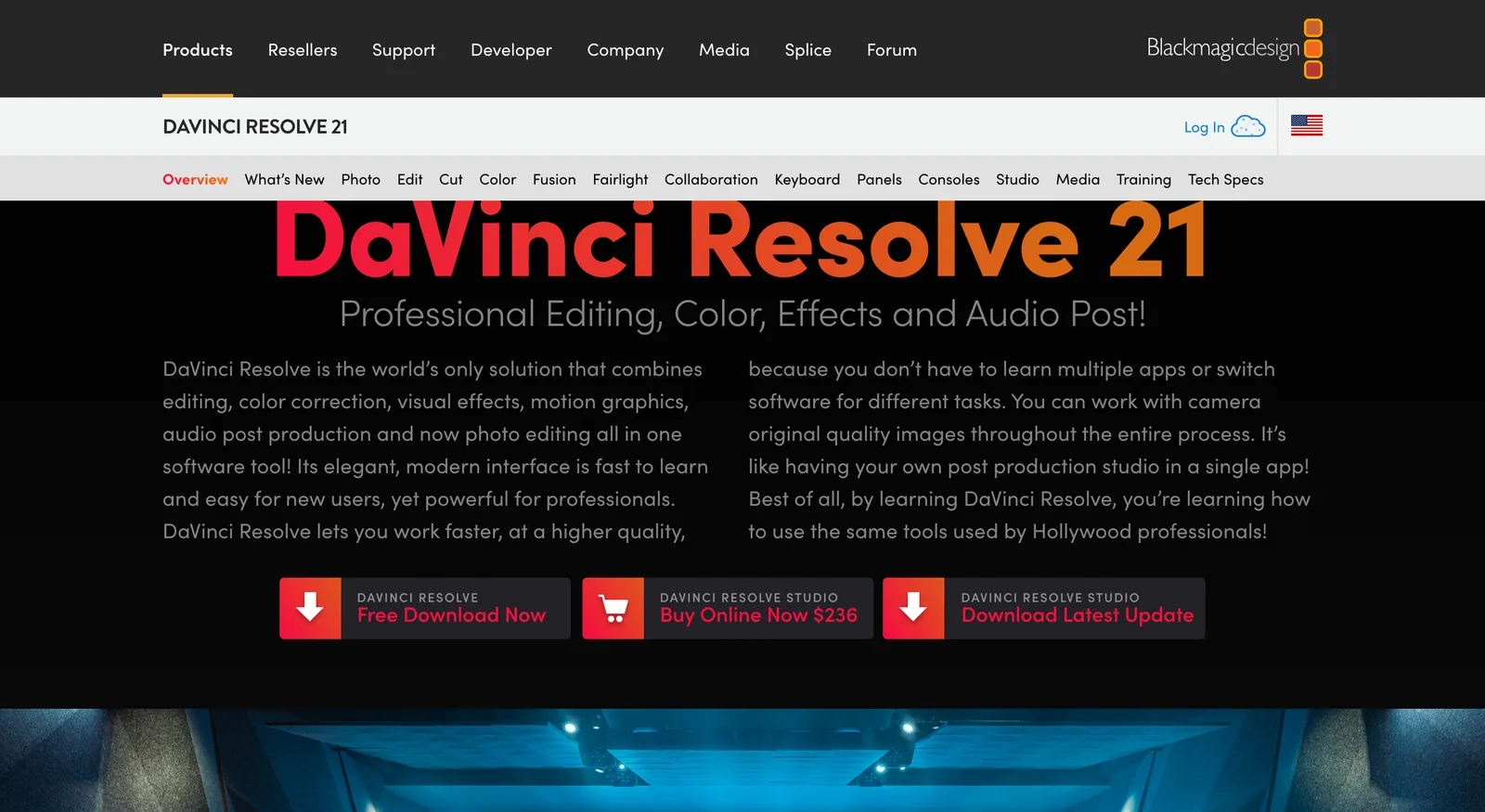
Yes, and it's popular because the free version is a complete editor. Blackmagic Design's DaVinci Resolve page offers it as a free download, with the Studio version at $236. It combines editing, colour correction, visual effects, motion graphics and audio post in one app, with separate cut and edit pages for fast and detailed editing.
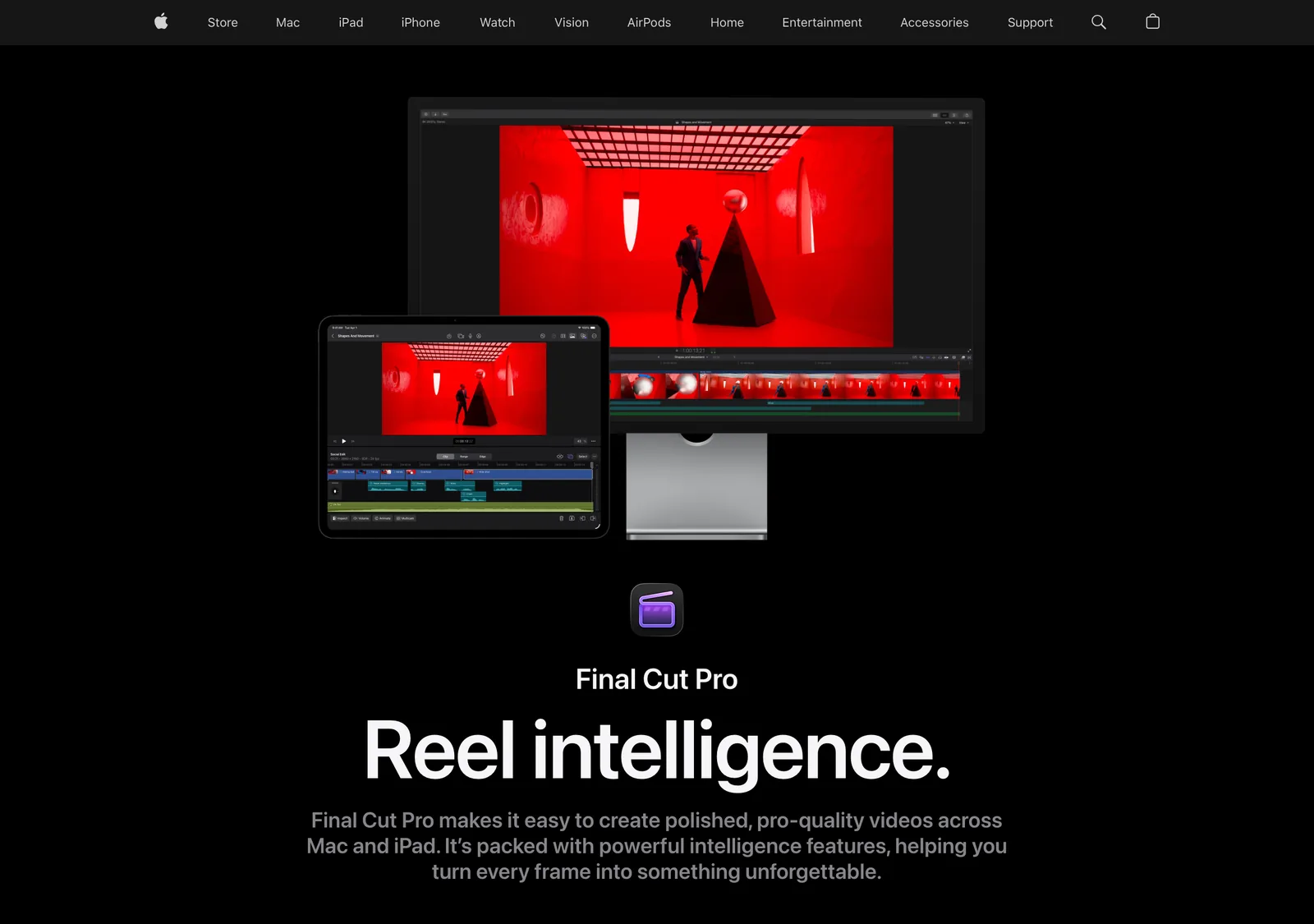
Final Cut Pro
Apple's pro editor runs on Mac and iPad, and the Mac version is also available as a one-time purchase on the App Store. Apple describes its magnetic timeline as built for fast, flexible editing.
CapCut
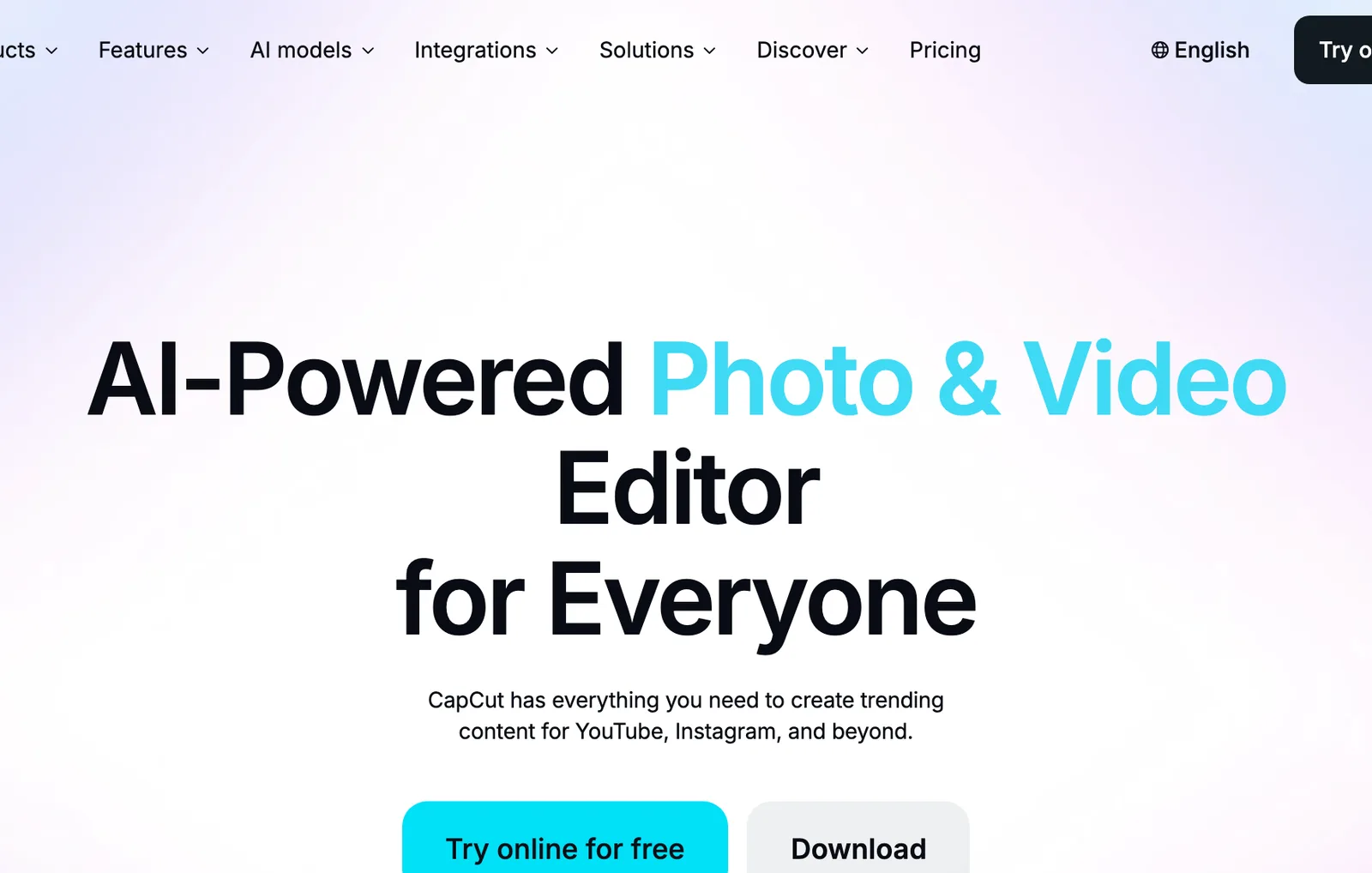
CapCut runs in the browser and as a desktop app, and you can try it online for free. CapCut says it has everything you need to create trending content for YouTube, Instagram and beyond, with AI tools built in.
Premiere Pro and iMovie
Premiere Pro is Adobe's long-standing professional editor, a natural fit if you already use Photoshop or After Effects. iMovie is Apple's free editor for iPhone, iPad and Mac, and the easiest place to start.
Which editing software should you use?
- Want pro tools for free? DaVinci Resolve.
- Editing on a Mac and want speed? Final Cut Pro.
- Mostly making short videos on your phone? CapCut.
- Already paying for Adobe? Premiere Pro.
- Just starting on an iPhone? iMovie.
Make Shorts from your edits automatically
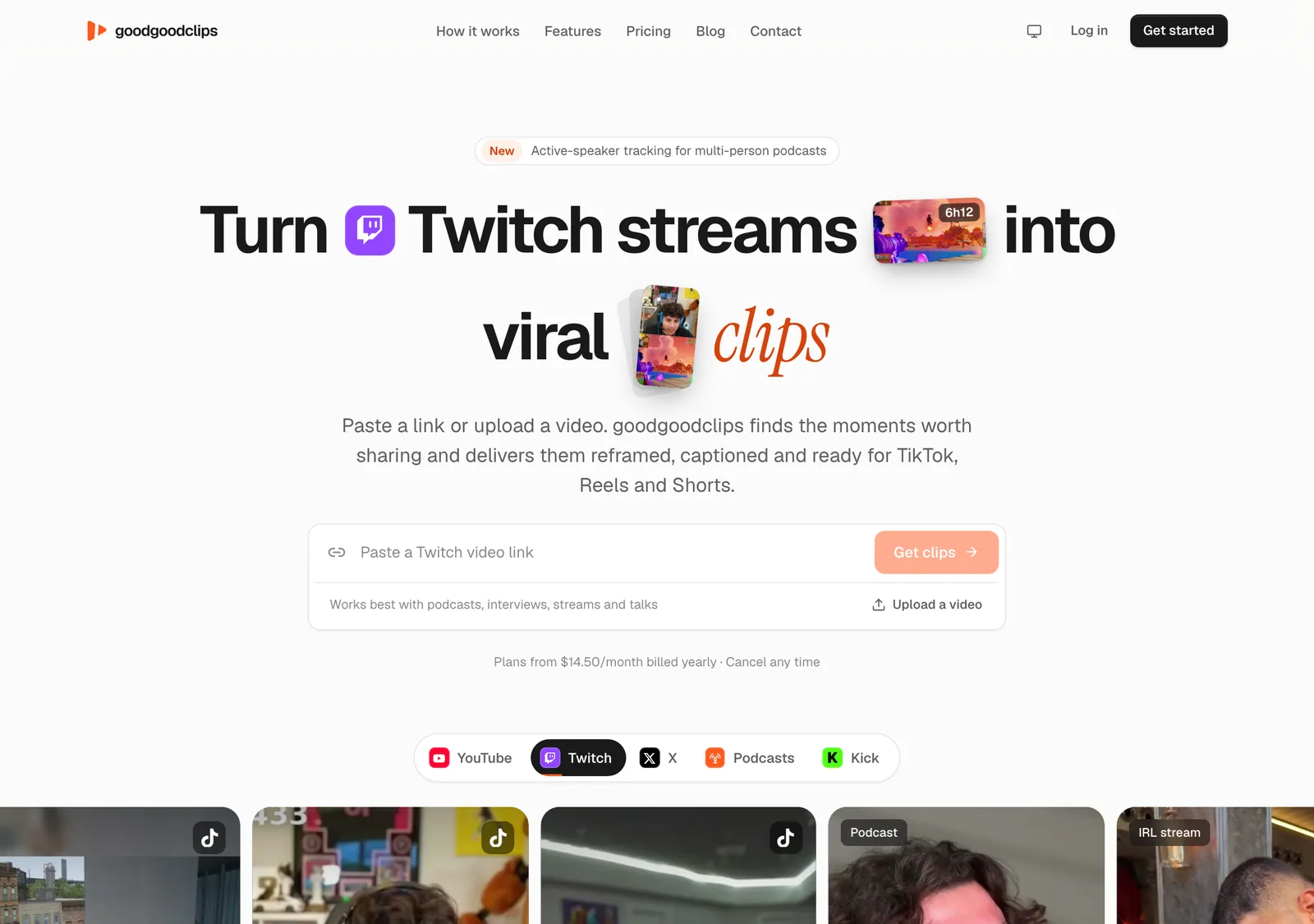
Whatever you edit in, cutting Shorts from a finished video is slow work. Export the video, upload it to goodgoodclips.com, and it picks the moments that stand on their own, reframes them to 9:16, adds captions and writes a title for each. Your editor makes the video; goodgoodclips makes the Shorts.

More: the best AI video editing tools and YouTube to Shorts. Prices from each company's own site, checked 16 November 2026.