How to Auto Clip Videos: Turn Long Videos into Clips with AI
To auto clip a video, you let software find and cut the best moments for you instead of scrubbing through it yourself. Upload a long video to an AI clipper like goodgoodclips.com and it creates clips automatically: it picks the moments, reframes them to 9:16, adds captions and writes the post copy.
What an auto clipper does
- Transcribes every word with timing, in 16 languages.
- Reads the whole conversation to find moments that open on a hook, carry their own context and land a payoff.
- Tightens each clip's start and end so it doesn't begin mid-sentence or trail into the next topic.
- Reframes to vertical, following whoever is speaking, or stacking two people in split screen.
- Adds animated captions with the key word on each line highlighted.
- Writes a title, caption and hashtags for each clip.
How to auto clip a video with goodgoodclips
- Upload your video to goodgoodclips.com as MP4, MOV or WebM, or paste a direct link to the file.
- Set what you want: moment types (Funny, Educational, Gaming highlights…), clip length, how many clips, or a topic in “Find clips about”.
- Wait a few minutes while the AI transcribes, picks and renders.
- Review your clips. Each one has a score on seven criteria and a one-line reason it was chosen.
- Tweak and download. Trim on word boundaries, change captions or framing (free), then export 1080p with no watermark.

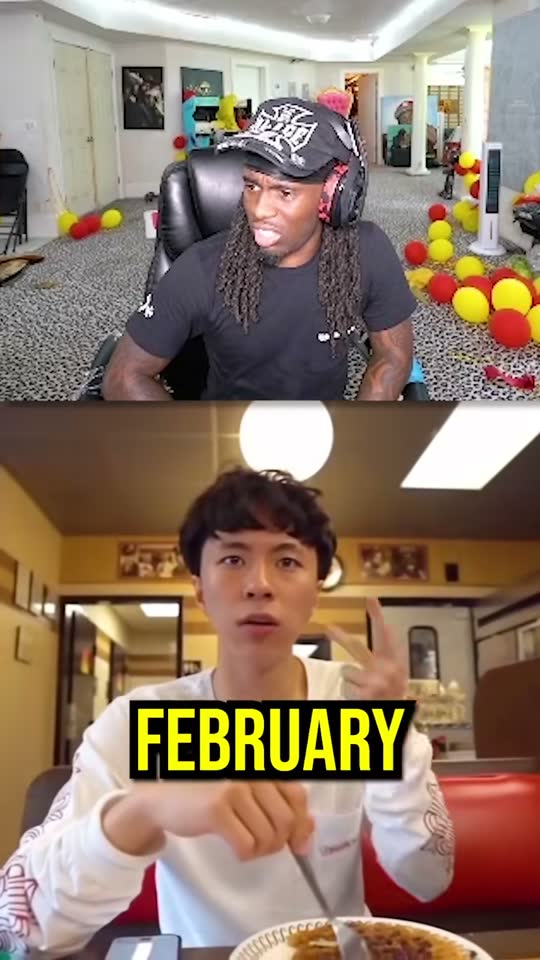

Auto clipping vs. clipping by hand
| Task | By hand | With goodgoodclips |
|---|---|---|
| Finding the moments | Watch the whole video and note timestamps | The AI reads the full transcript and ranks moments |
| Vertical framing | Keyframe a crop for every shot | Follows the active speaker automatically |
| Captions | Type them or fix auto-captions | Word-timed animated captions in 16 languages |
| Titles and hashtags | Write them for every clip | Written for each clip from what was said |
| Changes | Re-export each time | Edit and re-render without using credits |
Automated video editing: what can AI do for you?
Automated video tools range from template makers that build videos from text to editors that remove silences or add captions. If you already record long videos, the most useful automation is clipping, because finding the moments is the slowest part of the job. goodgoodclips.com automates the whole chain: finding, cutting, framing, captioning and writing the post.
Which videos auto clip best?
Anything where people talk: podcasts, interviews, livestreams, webinars, lectures and vlogs. goodgoodclips finds moments through what's said, so silent gameplay or music videos aren't a good fit.
Tips for better auto clips
- Upload the original, highest-quality file you have.
- Start with Auto length, then narrow it down once you see what the AI picks.
- Use “Find clips about” when you only want one topic from a long video.
- Post the highest-scored clips first.